
Cancelling a sales order is used when an order, or specific items on an order, are no longer required or should not proceed to fulfilment and invoicing.
There are two ways to cancel an order in Jiwa:
-
Reducing the ordered quantity to zero, or
-
Using the Demand field
This article explains how to cancel an order using the Demand field.
Using the Demand field allows you to cancel an order or individual order lines while keeping a record of what was originally ordered. This can be useful when you want to retain order history, track items that could not be supplied, or record customer requests where the customer does not want a part supply.
Using Demand Quantity
Select the order to be cancelled
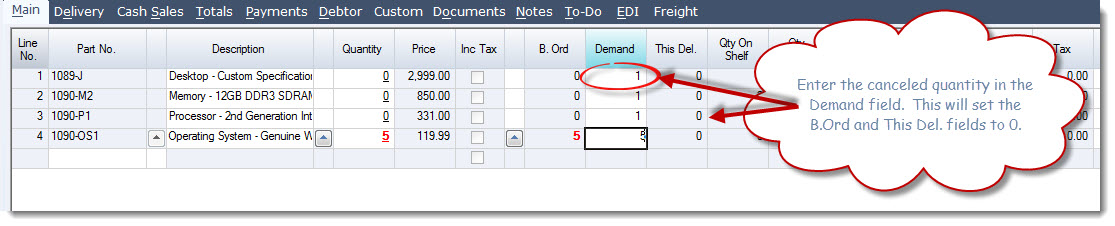
In the Demand field enter in the quantity cancelled.
This will reset the B.Ord field to zero if the item was placed on back order and the This.Del field to zero if the item was available
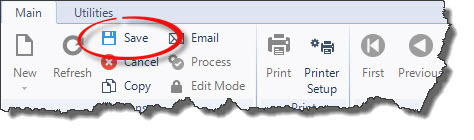
Once you have entered in all the cancelled lines Save the order changes

Process the sales order to close the order
