Sales orders can be processed either individually or in bulk in Jiwa. Processing a sales order converts the deliverable quantities into an invoice.
This article explains how to process individual sales orders, including both full and part deliveries.
Processing Sales Orders - Full Delivery
Processing a sales order refers to;
-
Delivering available stock
-
Producing an invoice for the stock that can be delivered
In this example we will be looking at how to process a sales order that can be delivered in full.
Bring up your Sales Order Entry form and load the order that is to be delivered.
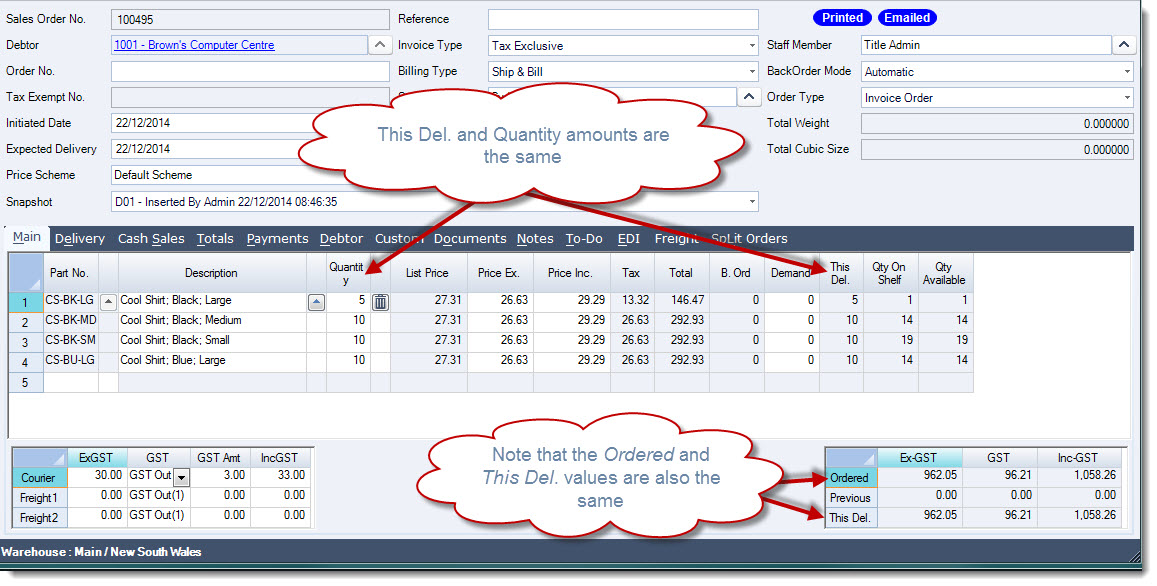
Looking at the sales order we know that Jiwa can supply the entire order as the This Del. quantities are the same order the order quantities in the Quantity field.
To process the order from the menu ribbon select Process

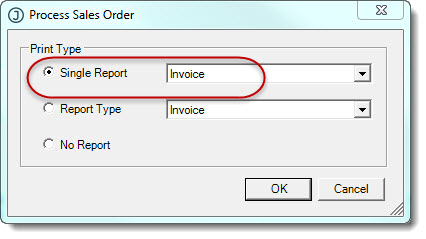
The Process Sales Order popup will appear confirm the invoice format that is required to be printed.
If you email or batch print and/or email your invoices then select No Report, the order will be processed and the invoice created however the invoice will not be printed.
In this example the invoice is to be printed.
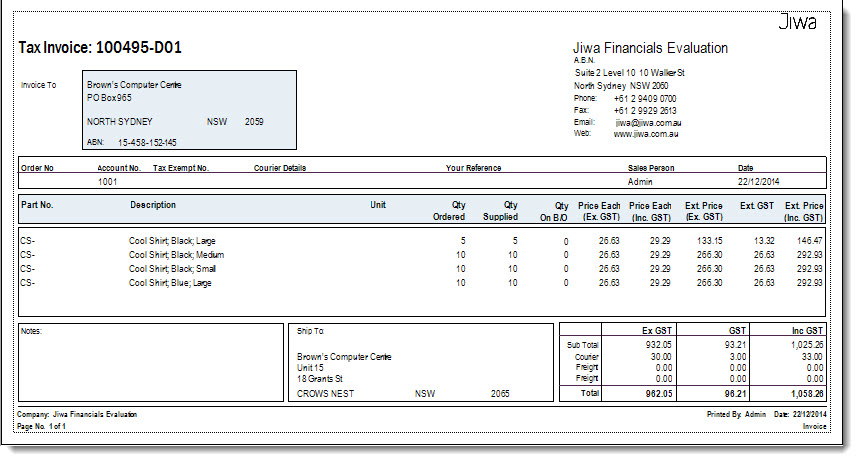
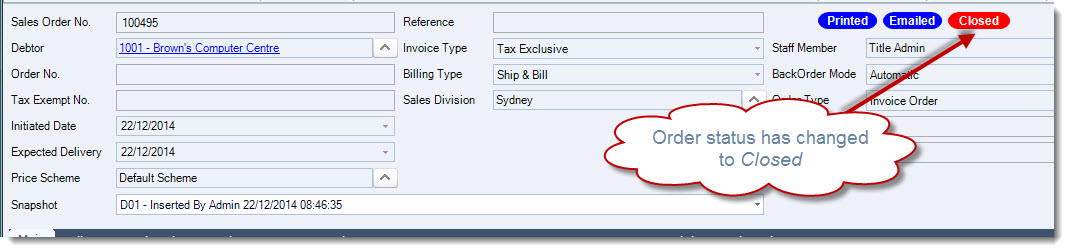
The status of the sales order will be updated to Closed this is because the order has been delivered in full and no further action is required, the order is now locked from further editing.
Emailing your Invoice
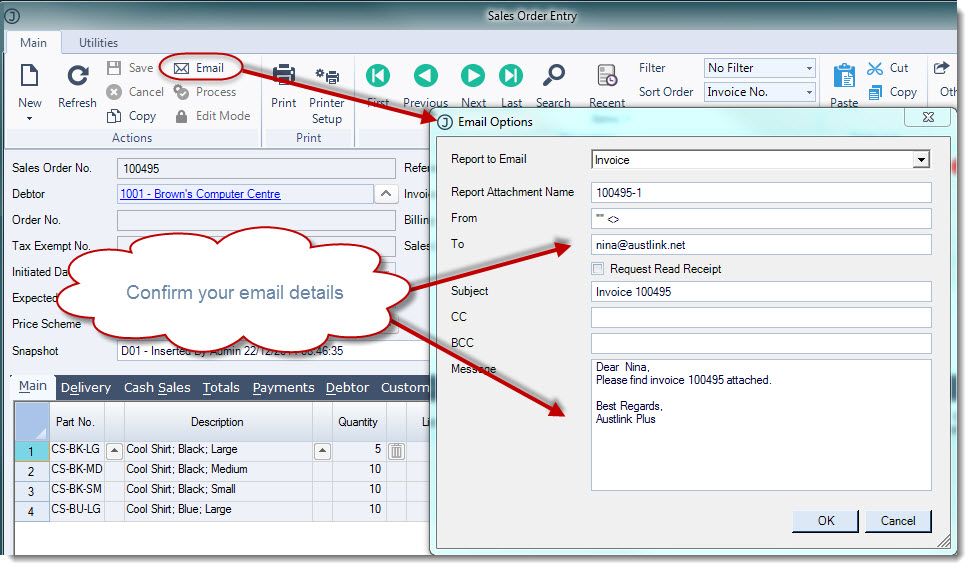
To email your invoice from the menu ribbon select Email to activate your Email Options popup.
Confirm your email details then select OK to send out your email.
Processing Sales Orders - Part Delivery
In this example we will be looking at how to process a sales order that can only be part delivered.
Bring up your Sales Order Entry form and load the order that is to be delivered.
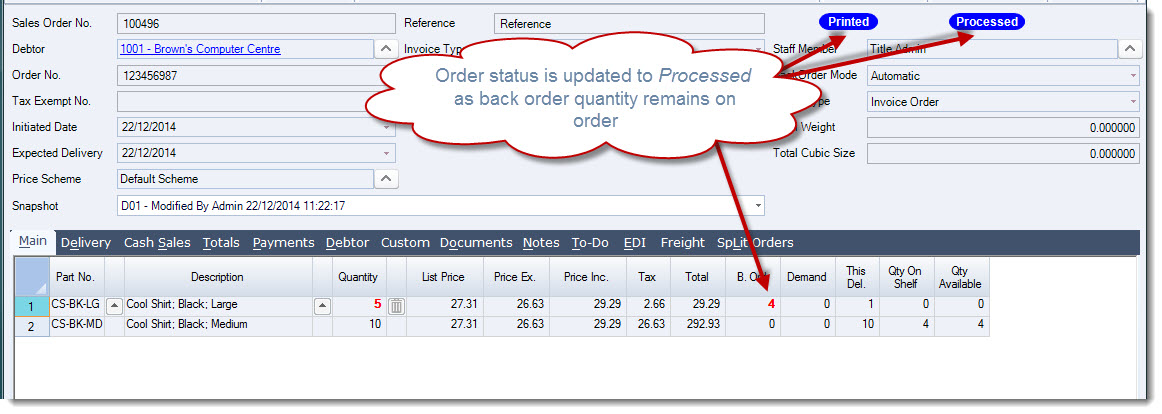
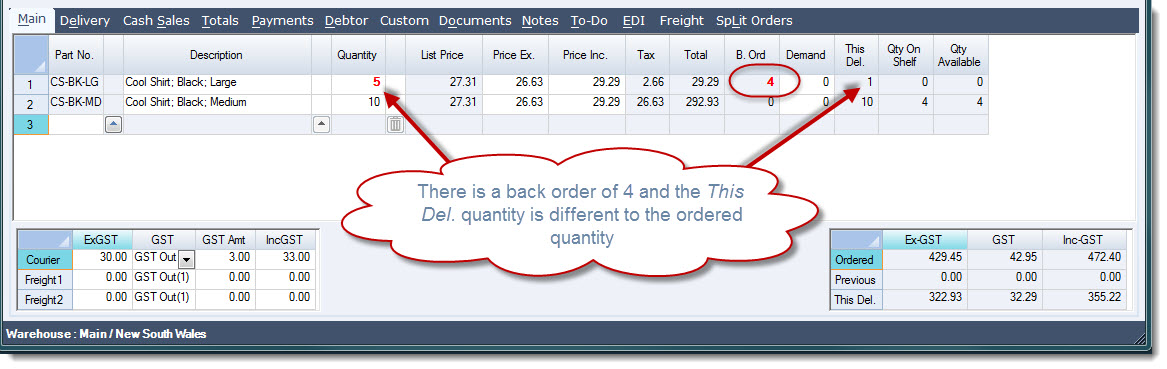
Looking at the sales order we know that the Jiwa cannot supply the entire order we now have an amount sitting in the B. Ord (or Backorder) column.
You will also notice that the This Del. quantity and values are different to the Ordered quantity and values.
Process your delivery by selecting Process from the menu ribbon.

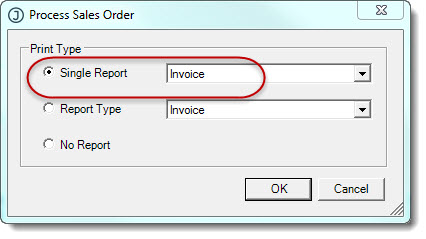
The Process Sales Order popup will appear confirm the invoice format that is required to be printed.
If you email or batch print and/or email your invoices then select No Report, the order will be processed and the invoice created however the invoice will not be printed.
In this example the invoice is to be printed.
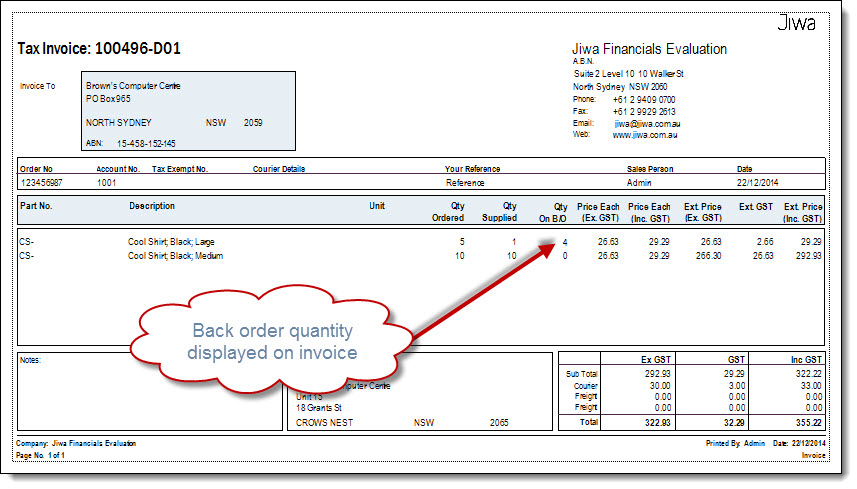
The status of the sales order is updated to Printed and Processed the order is not closed as there is an outstanding back order that either needs to be delivered when stock is available or the back order is cancelled by the customer.