Sales orders can be processed in bulk in Jiwa. Batch processing is useful when multiple eligible sales orders are ready to be invoiced at the same time, reducing the need to process each order individually.
This article explains how to batch process eligible sales orders using the Process Orders function.
Batch Processing Orders
The Batch Sales Order Processing function is used to batch;
-
Process sales order where stock is available for delivery
-
Process credit notes
-
Process payments received with sales orders
NOTE: Only Invoice Orders can be batch processed using the Process Orders Form. Active Orders can only be processed from the Sales Order Entry form.
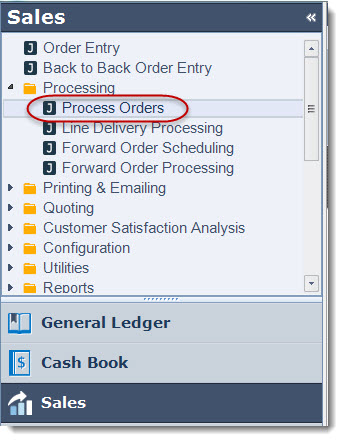
To begin select Sales | Processing | Process Orders from the menu
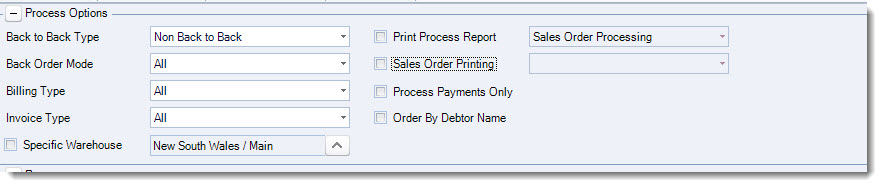
Before beginning lets have a look at our form and the available options.
Process Options

|
Option |
Description |
|
Back to Back Type |
Select from order types Non Back to Back, Back to Back or Multi Back to Back |
|
Back Order Mode |
Select from back order modes All, Automatic or Manual |
|
Billing Type |
Select from billing types All, Ship & Bill, Bill Complete or Ship Complete |
|
Invoice Type |
Select from invoice types All, Tax Inclusive or Tax Exclusive |
|
Specific Warehouse |
Process for all warehouses or tick Specific Warehouse to select required warehouse |
|
Print Process Report |
When ticked allows you to select the report to printed |
|
Sales Order Printing |
Select to print all sales order reports or Invoice type reports only. Documents that will be printed are as specified on the Sales Order Form in Printer Setup |
|
Process Payments Only |
When checked only payments on sales orders are processed. When un-checked processes the sales orders and credit notes displayed in the processing grid and any payments that are linked to the sales orders listed. |
Batch Processing Orders
Set your required process options.
In the following example documents will not be printed because we will use the Batch Printing / Emailing function to email out our invoices.
Set your required ranges.

Press Append to Candidates when you have set your ranges to populate the processing grid.
Review the orders to be processed, un-check or delete from the grid orders that you do not want processed.

Press Process when you are ready to process your orders
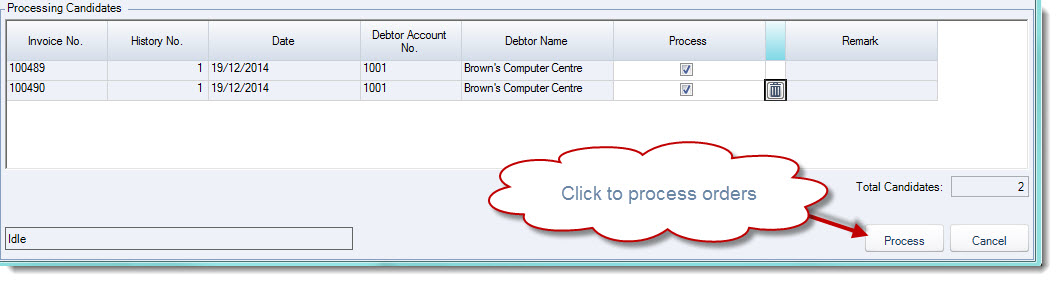
When the process has completed the order will be removed from the grid and
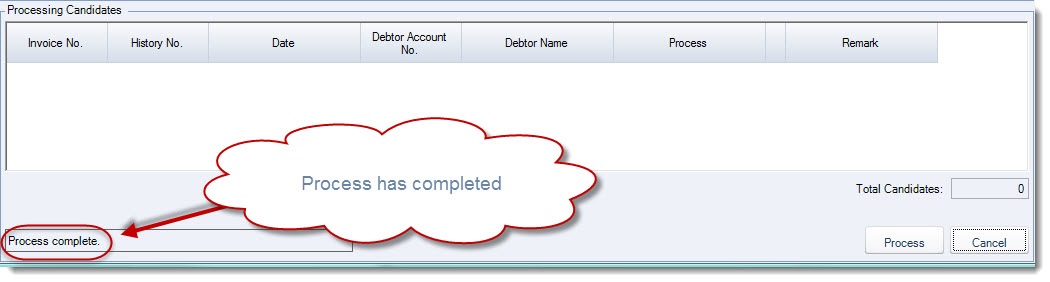
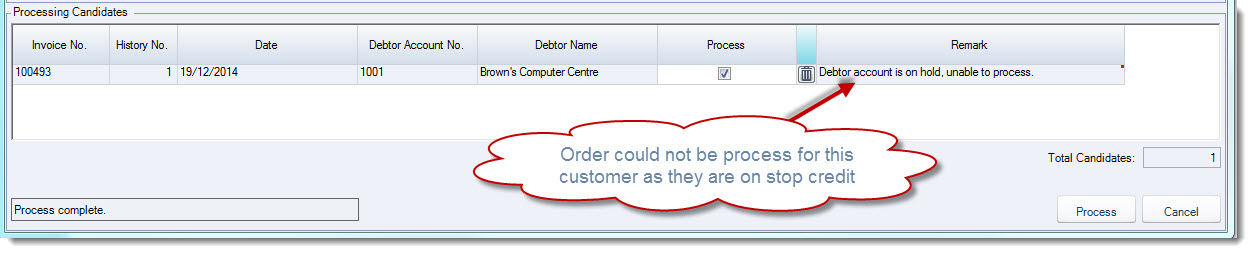
If an order cannot be processed a message will be displayed in the remark for as per the example below.