
In this article we look at how to cancel a sales order in Jiwa when the order is no longer required or should not proceed to fulfilment and invoicing.
There are two(2) ways in which an order can be cancelled
-
Zero out the ordered quantity
-
Using the Demand field
This article shows you how to cancel an order using the Demand field. This process can also be used to;
-
Cancel lines on a sales order where you want to keep a history of what was originally ordered
-
Keep a track of what was originally order by the customer and what you could not supply where the customer does not want part supply
Select the order to be cancelled
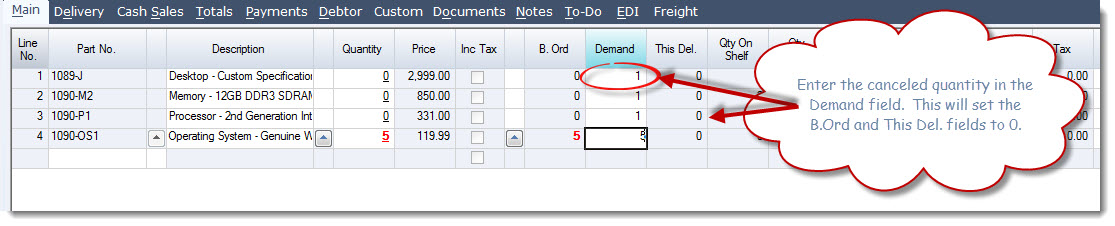
In the Demand field enter in the quantity cancelled.
This will reset the B.Ord field to zero if the item was place on back order and the This.Del field to zero if the item was available
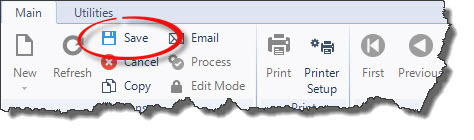
Once you have entered in all the cancelled lines Save the order changes

Process the sales order to close the order
