In this article we look at how to view the licences being taken up in Jiwa 7.
This is useful in situations where users are not able to log into Jiwa due to all available licences being taken up and you may want to check to see if a user is logged into Jiwa multiple times.
To view licence information you must have administrative access to Jiwa.
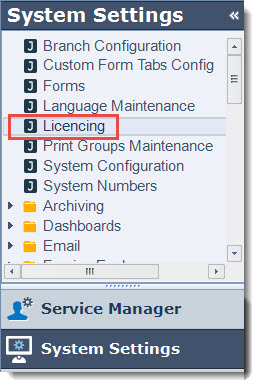
From the menu select System Settings | Licencing
Select the CAL Usage tab on the Licencing form
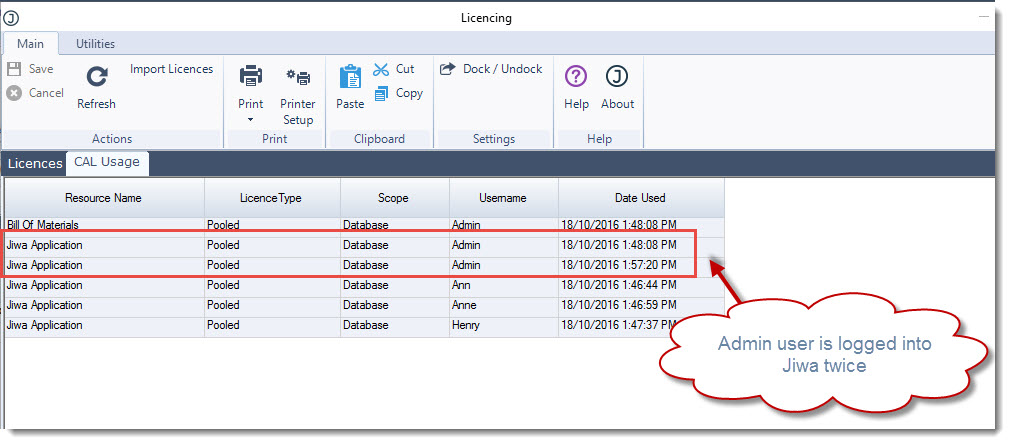
In the example below you can see that the Admin user has logged into Jiwa twice hence 2 licences are being taken up by this single user.
To release the second licence you will need to ask the user to log out of one of the sessions.