
In this article we look at how to import annual license renewal files into Jiwa 7.
For our Opal Logic clients new license files are imported for you by our support team as part of your service agreement.
When you have received your license files save them to a secure location.
Do not make any changes to the name of the licence files as this will make the file invalid
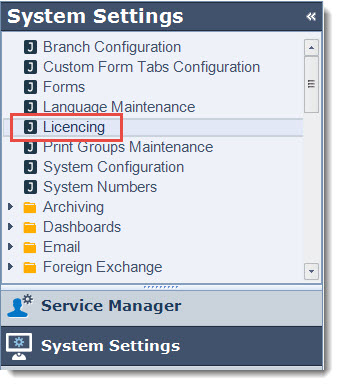
Log into Jiwa and select System Settings | Licencing
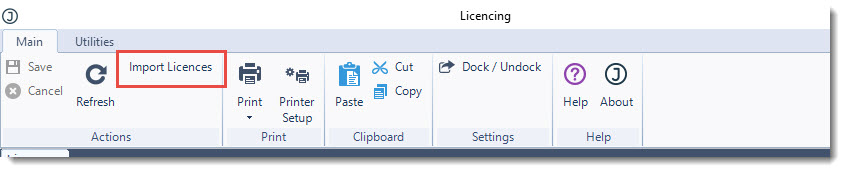
From the menu ribbon select Import Licences
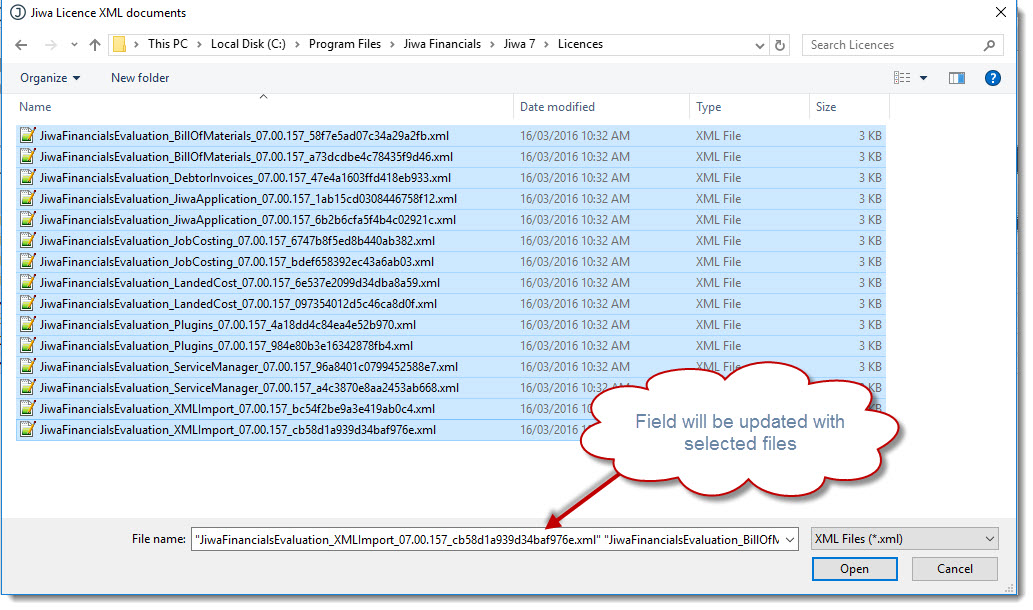
Browse to the location where you have saved your files and highlight all the licence files.
You will notice that the File Name field will be updated with the selected files.
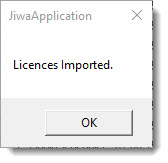
Select Open to load the files, the following message will appear once the licenses have been imported
If you attempt to import an invalid licence an error message similar to the one below will be displayed
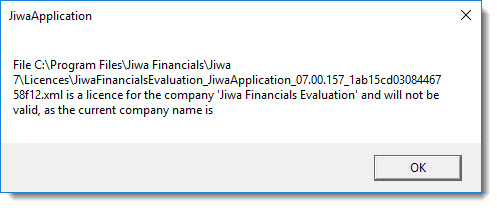
Select OK
From the menu ribbon select Save
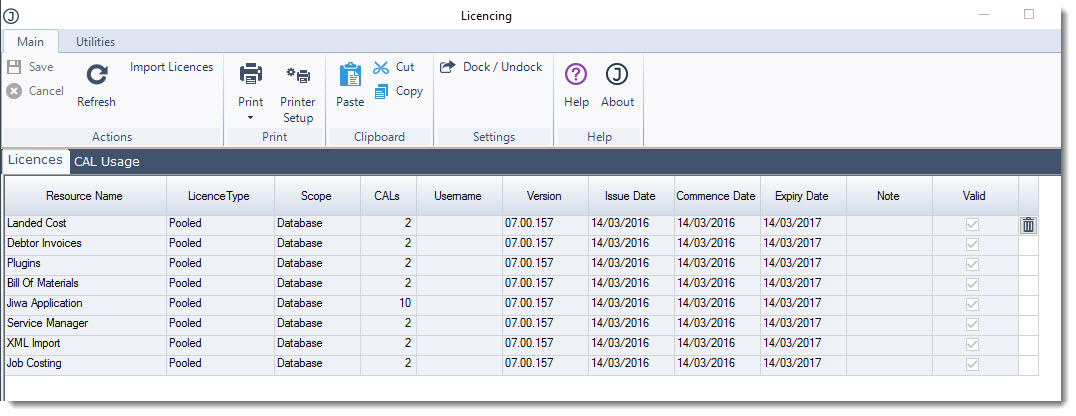
|
Field |
Description |
|
Resource Name |
This is the name of the module that the license relates to. 3 licence files are issued with the core Jiwa Financial system
Additional modules can be purchased and each of these come with their own licence file, these are
|
|
Licence Type |
This is the type of license that has been issued |
|
Scope |
This is the scope of the licence and in Jiwa terms relates to the database you are logged into |
|
CALs |
This is the number of licences that have been purchased |
|
Version |
This is the Jiwa version that the license is valid for |
|
Issue Date |
This is the date that the license was issues |
|
Commence Date |
This is the date that the license is valid from |
|
Expiry Date |
This is the date the the license will expire |
|
Valid |
This is a flag indicating if the license is valid If you have imported invalid license files they will appear as red in the grid 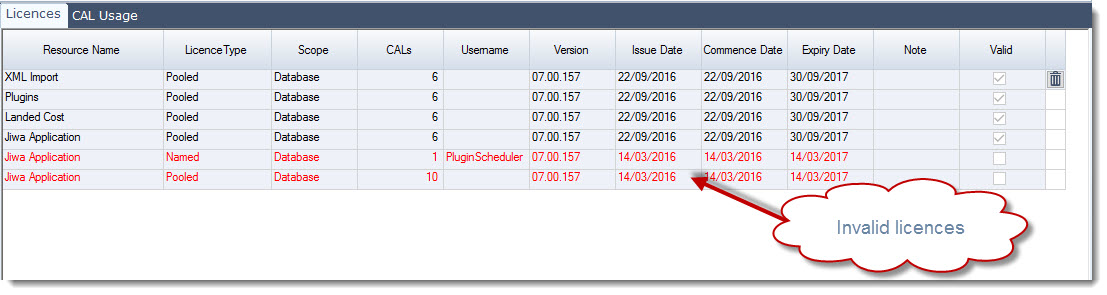
|