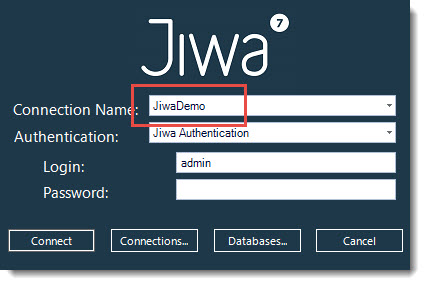
In this article we will look at how to create a new connection to a database in Jiwa 7.
At the Jiwa login screen select Connections

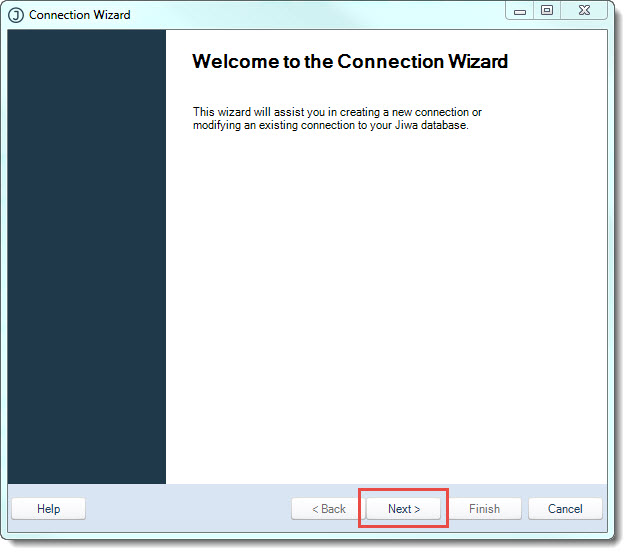
At the Connection Wizard select Next
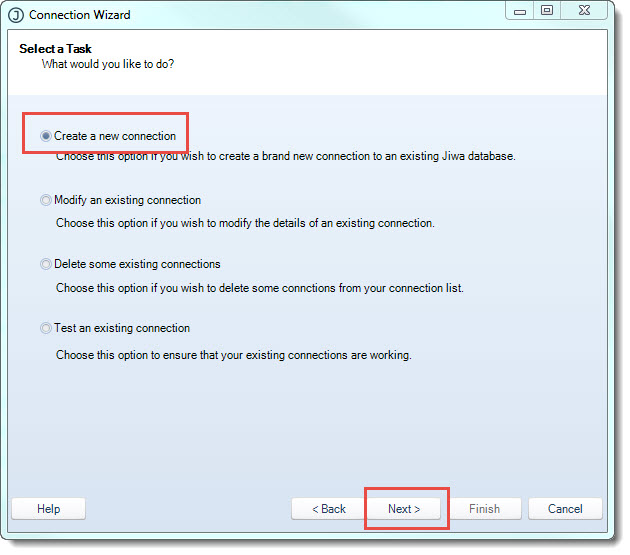
Ensure that the radio button Create a new connection is selected
Then press Next
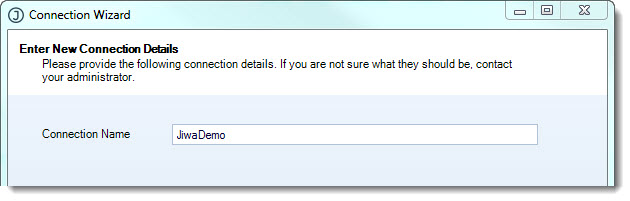
Enter in your connection name in the Connection Name field
Typically this is set to the name of the Jiwa database you want to connect to for example JiwaDemo
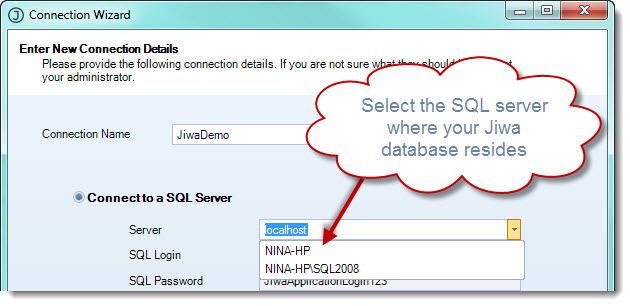
Select your SQL server from the drop down options.
If you are not sure which server you need to connect to check with your Jiwa Consultant.
Note: You must select the correct server do not leave this field on localhost
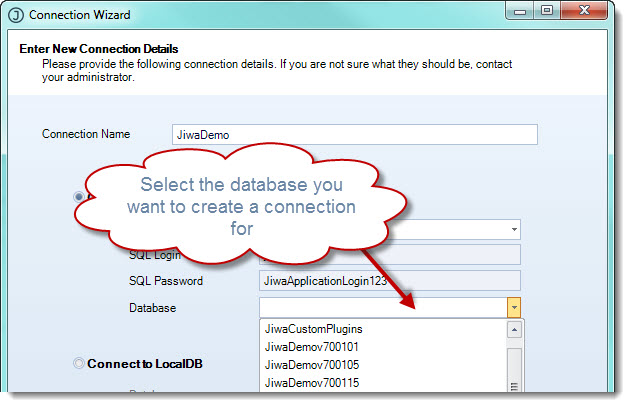
From the Database drop down list select the Jiwa database you want to create a connection for.
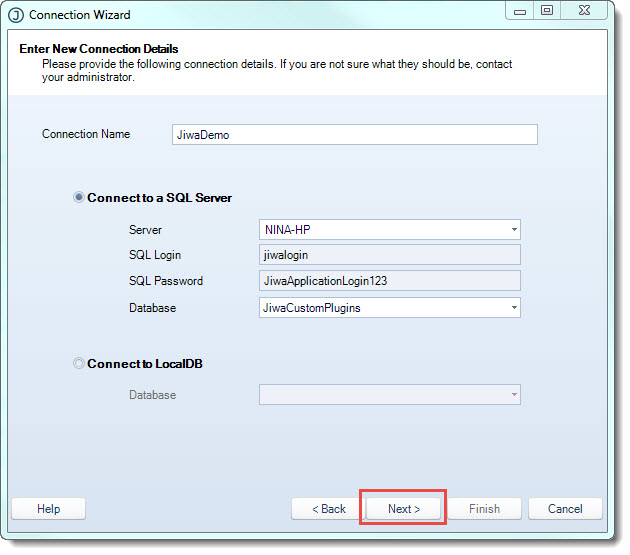
Then select Next
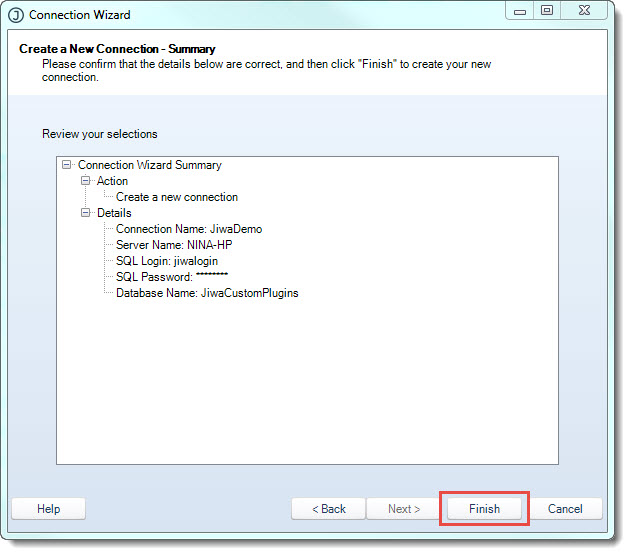
Review your connection details then select Finish
Select Close when you connection has been created successfully
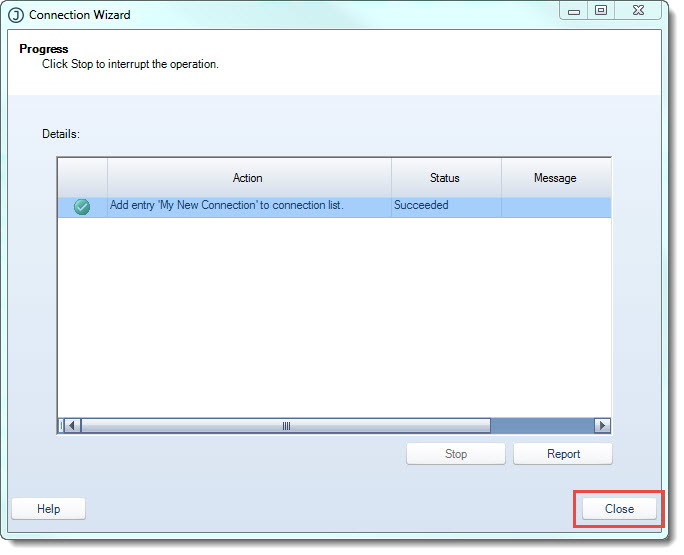
Your new connection is now available