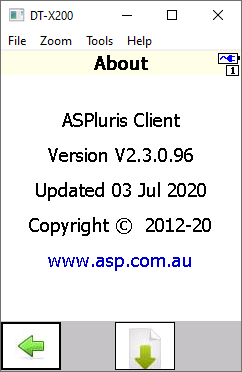
ASPluris scanner software may need to be upgraded when a new version is released or when changes are required to maintain compatibility with Jiwa and the ASPluris environment.
This article explains how to upgrade the ASPluris software on a supported scanner or mobile terminal to the latest approved version.
Opal Logic will advise when an upgrade is required and can assist with version planning, scanner preparation, and implementation to help ensure the update is completed smoothly.
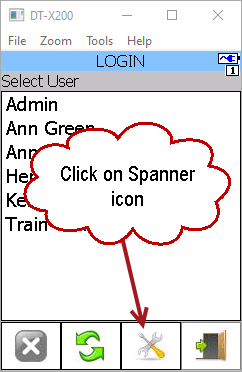
Start ASPluris on the scanner but do not log in
Click on the Settings (spanner) icon at the bottom of the screen
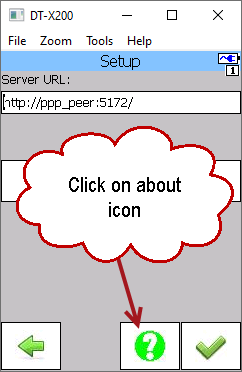
Then click on the About (question mark) icon.
Click on the Update (down arrow) icon
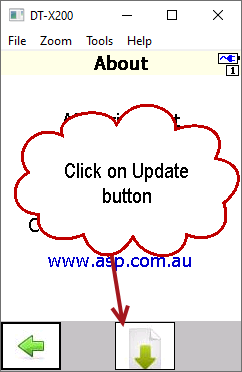
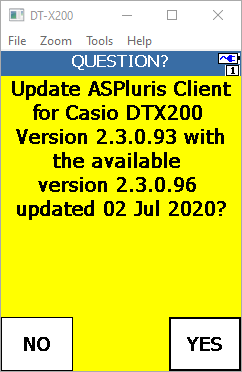
The next screen displays the current version you are on and the update that is available.
Click on Yes to start the upgrade process.

When the update has been completed you will be returned to the Login screen.
To check which version you are now on simply click on the Settings then About icons again.