ASPluris can be used to record stock adjustments.
This article explains how to adjust stock into or out of a warehouse using ASPluris, including scanning the relevant items and entering the quantities to be adjusted.
Stock adjustments may be required to correct quantity differences, record damaged or missing stock, add stock that was not previously recorded, or reflect other approved inventory changes. The adjustment details are sent to Jiwa to update stock levels.
Stock Adjustments In
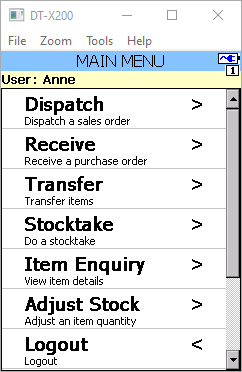
From the Main Menu select Adjust Stock
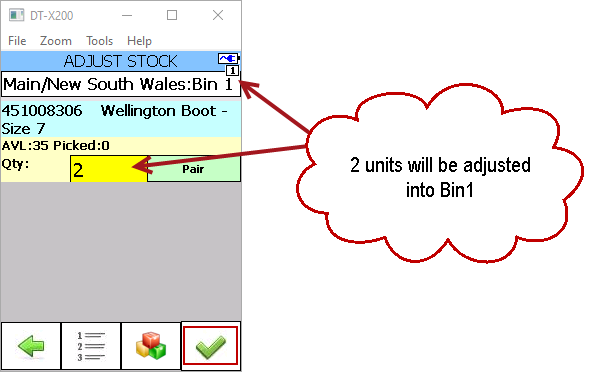
Scan the barcode of the item you want to adjust in
If you have bin tracking enabled then scan the bin location you want to place the item in.
Enter the number of units you want to adjust in, when complete press the tick icon.
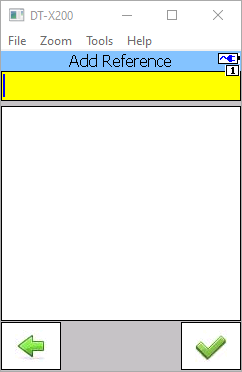
If required add a reference at the following prompt
Note: The reference can be either enforced or option, this setting is controlled through the ASPluris configuration module.
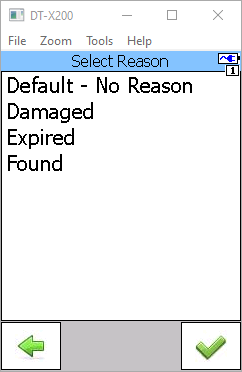
Select an adjustment reason code and press the tick button
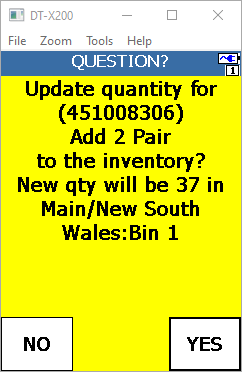
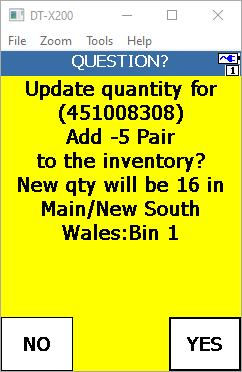
Confirm you adjustment quantity
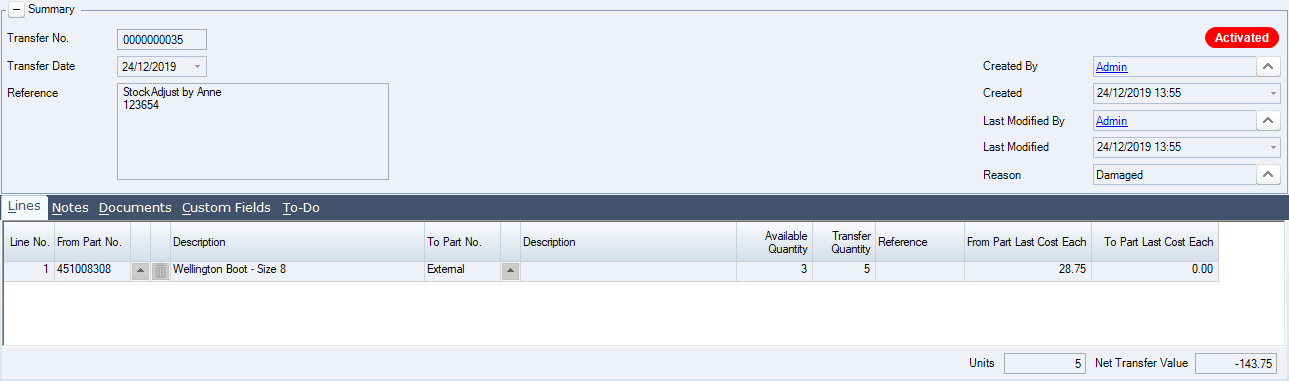
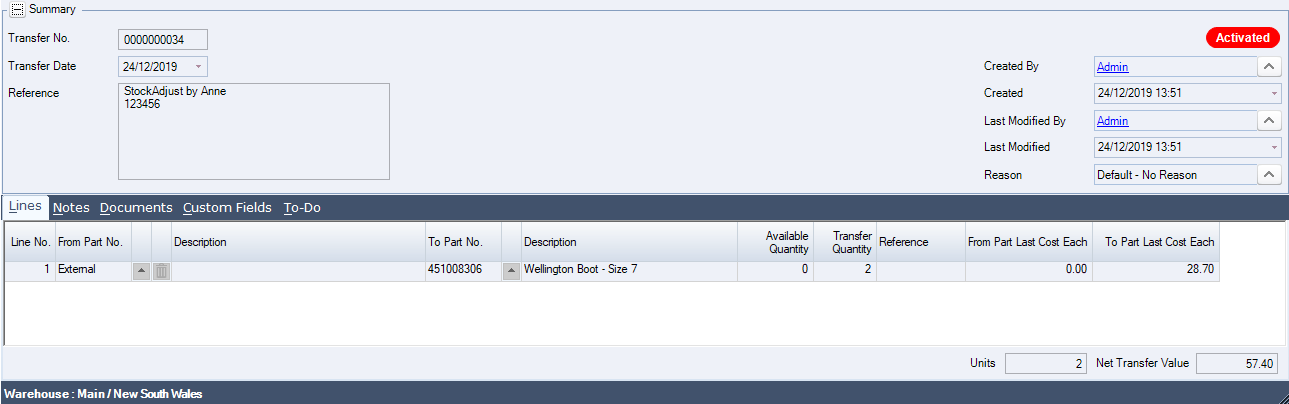
In Jiwa a new stock transfer has been created and activated to record the adjustment in.
Stock Adjustment Out
Stock adjustments out are created in the same way as stock adjustments in with the exception that when you enter in the quantity to adjust out you enter in a negative value.
Use the F4 function key on the keypad to enter in a negative sign (-)
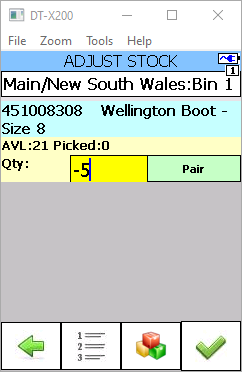
Complete and confirm the adjustment
A stock transfer is created and activated in Jiwa to record the adjustment out.