ASPluris can be used to move all stock from one bin location to another bin within the same warehouse.
This article explains how to select the source and destination bins and transfer all stock held in the source bin. The completed transfer updates the bin quantities in Jiwa without changing the total stock on hand for the warehouse.
This process is useful when a bin needs to be cleared, relocated, reorganised, or made unavailable for warehouse operations.
Transfer Stock
From the Main Menu select Transfer

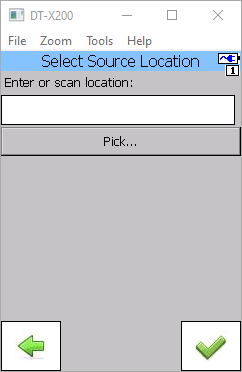
Scan the Bin Location barcode you want to move stock out of.
If your bin locations are not barcoded then click on the Pick button to select your bin location.
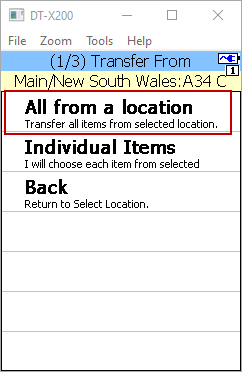
To transfer all the items from the selected bin location select the All from a location option from the menu.