The Opal Logic POS form was designed to allow users to quickly process sales whilst taking full advantage of standard Jiwa functions and special pricing.
The form allows users to;
-
Process cash and account sales quickly,
-
Process create credit notes,
-
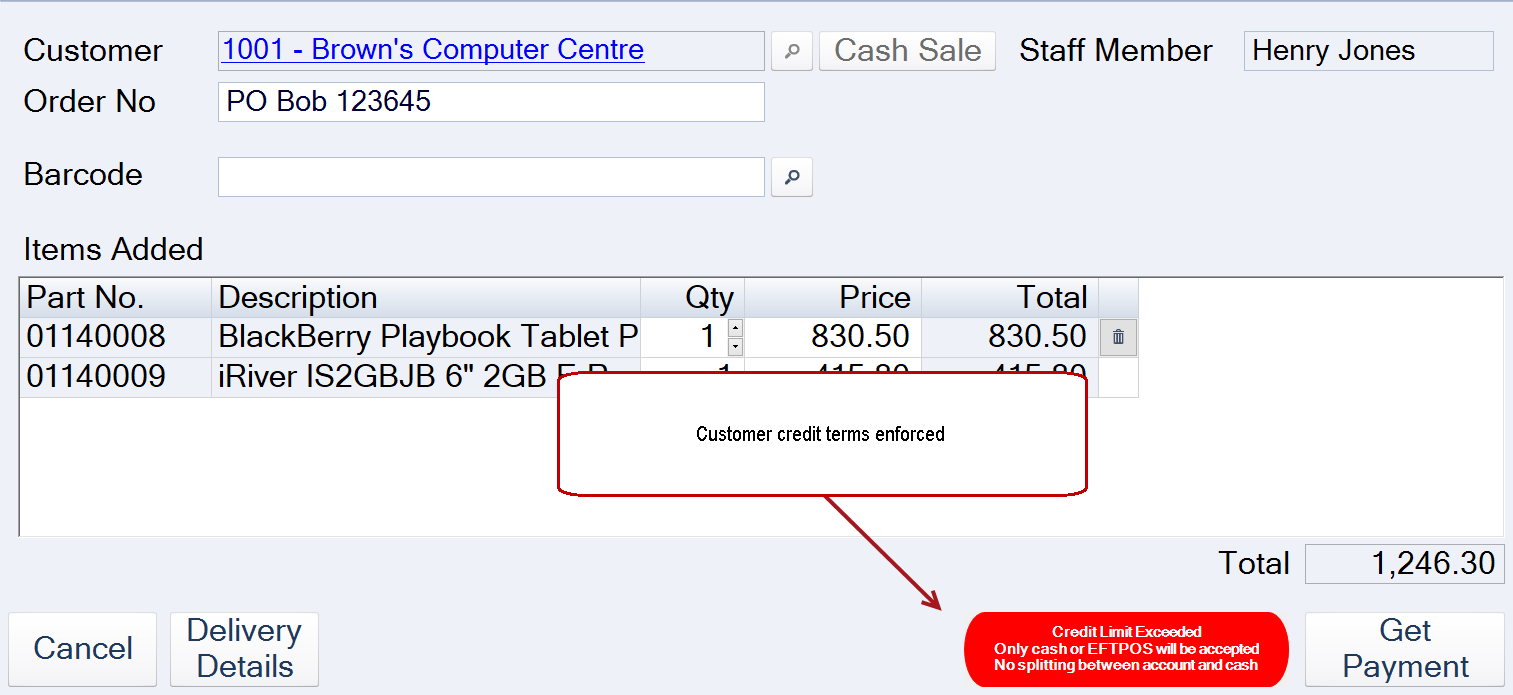
Enforce customer trading and credit terms,
-
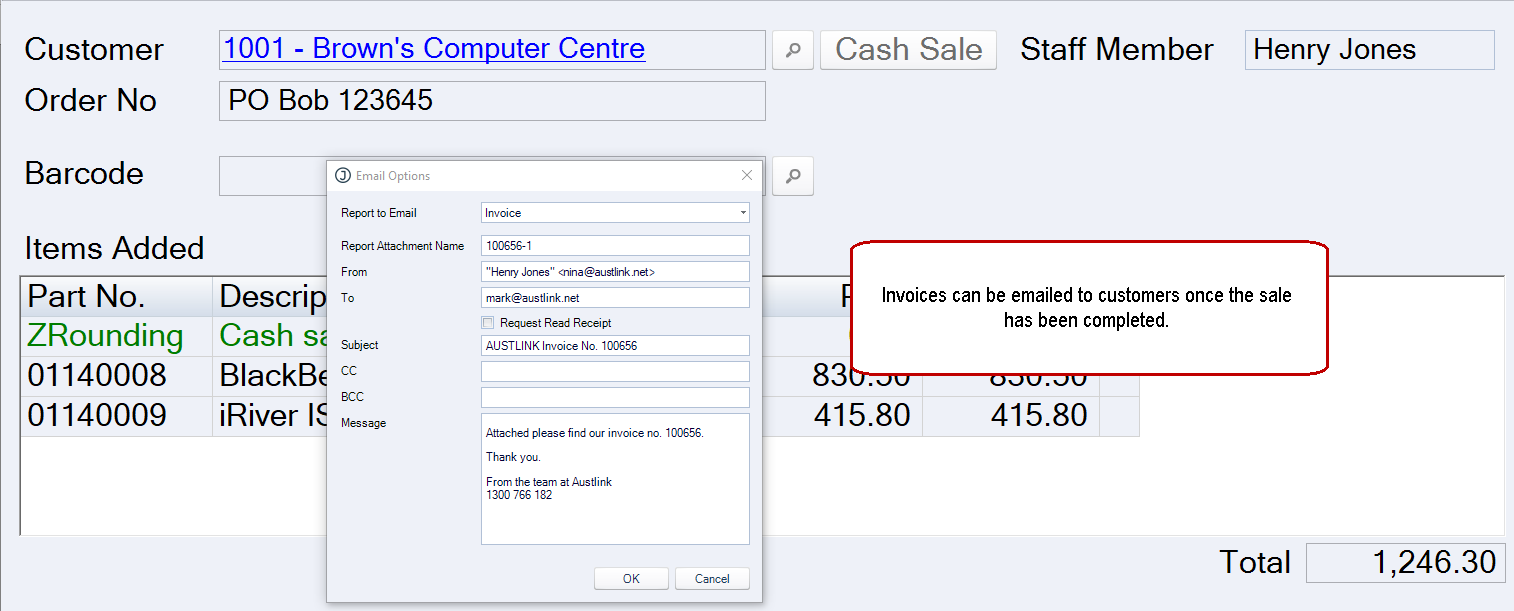
Email invoices,
-
Park transactions,
-
Enforce minimum GP's,
-
Search for previous orders for reprinting or emailing, and
-
Process account payments
POS Form v Point of Sale Solution
Choosing between the Opal Logic POS form and a fully integrated Point of Sale system will be dependent upon your point of sale requirements.
The table below provides an overview of the key differences between the Opal Logic POS form and a fully integrated POS system such as iVend Retail.
To discuss your requirements in full please contact us on 1300 456 725.
|
Function |
Opal Logic POS Form |
Integrated POS Solution |
|---|---|---|
|
Easy to use POS screen |
✓ |
✓ |
|
Print out docket receipt |
✓ |
✓ |
|
Process cash sales |
✓ |
✓ |
|
Process account sales |
✓ |
✓ |
|
Process account payments |
✓ |
✓ |
|
Transaction parking |
✓ |
✓ |
|
Customer special orders |
✓ |
✓ |
|
EFTPOS integration |
|
✓ |
|
Refunds, credit notes |
✓ |
✓ |
|
Pantry List |
✓ |
|
|
Email invoices |
✓ |
✓ |
|
Enforce trading terms |
✓ |
✓ |
|
Warn or Enforce minimum GP's |
✓ |
|
|
Apply restocking fee on returns |
✓ |
✓ |
|
Auto stock adjustments |
✓ |
|
|
Enforce customer order numbers |
✓ |
|
|
Loyalty Programs |
|
✓ |
|
Gift Vouchers |
|
✓ |
|
Mobile POS |
|
✓ |
|
Coupons |
|
✓ |
|
Bonus Buys |
|
✓ |
|
Offline functionality |
|
✓ |
POS Form
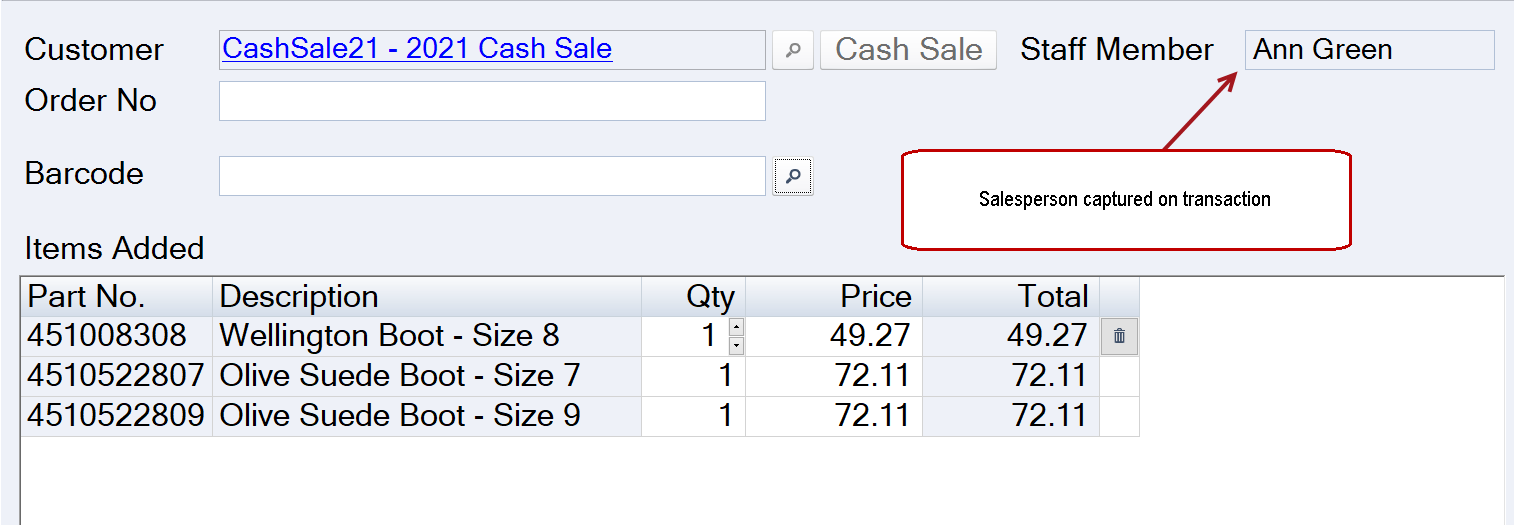
The POS form captures the user that has created the transaction when transaction login in enabled.
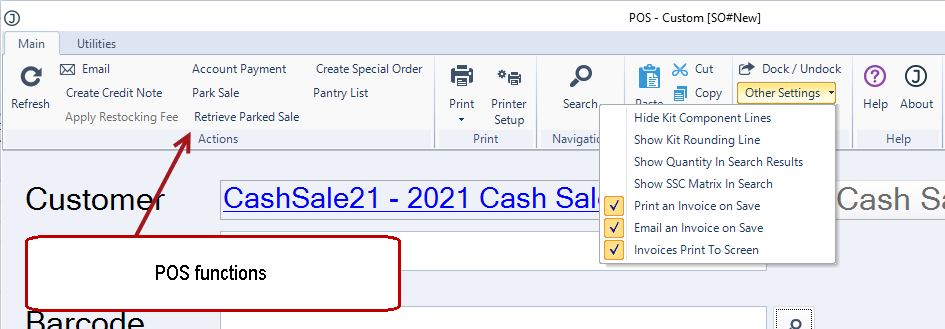
Additional POS functions are available through the menu ribbon.
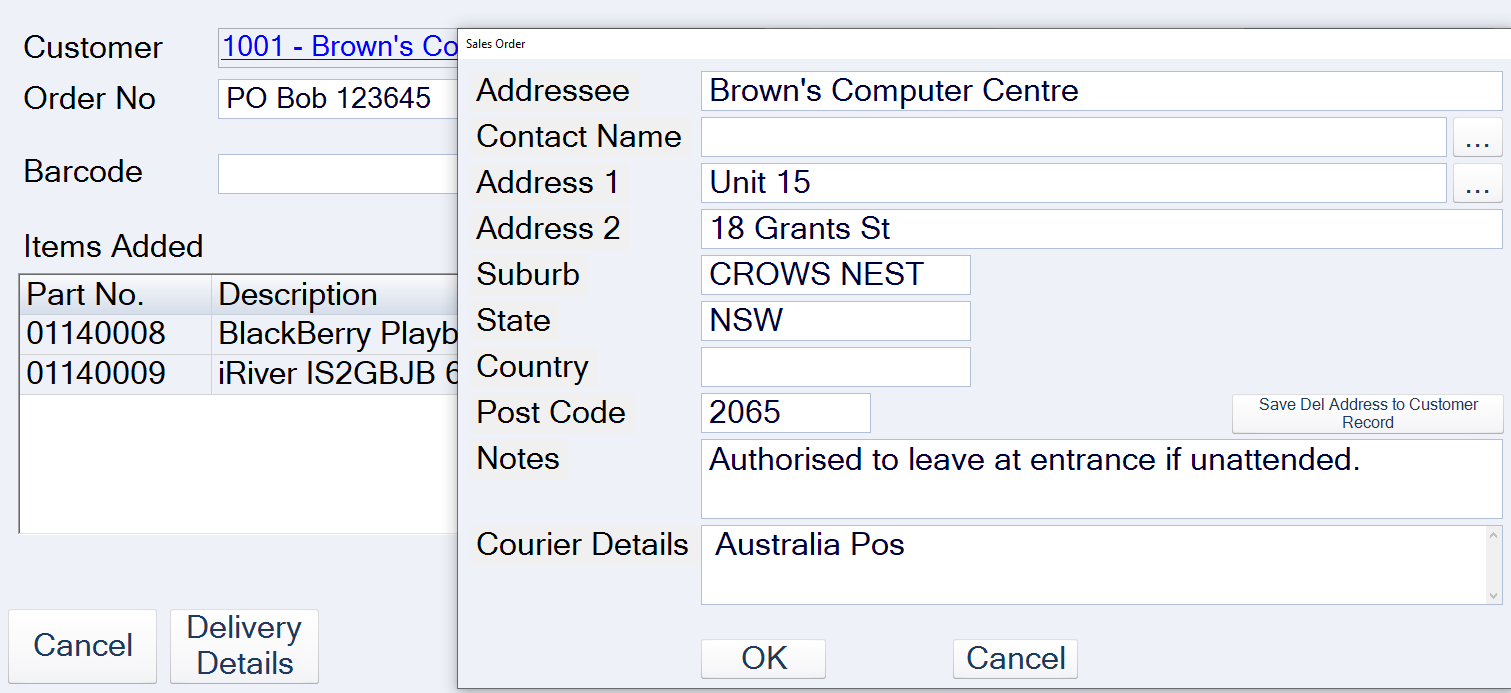
Sales specific delivery details can be added to the sale.
Account customer credit terms are enforced.
Invoices can be emailed to the customer once the sale has been completed.
Sales Order
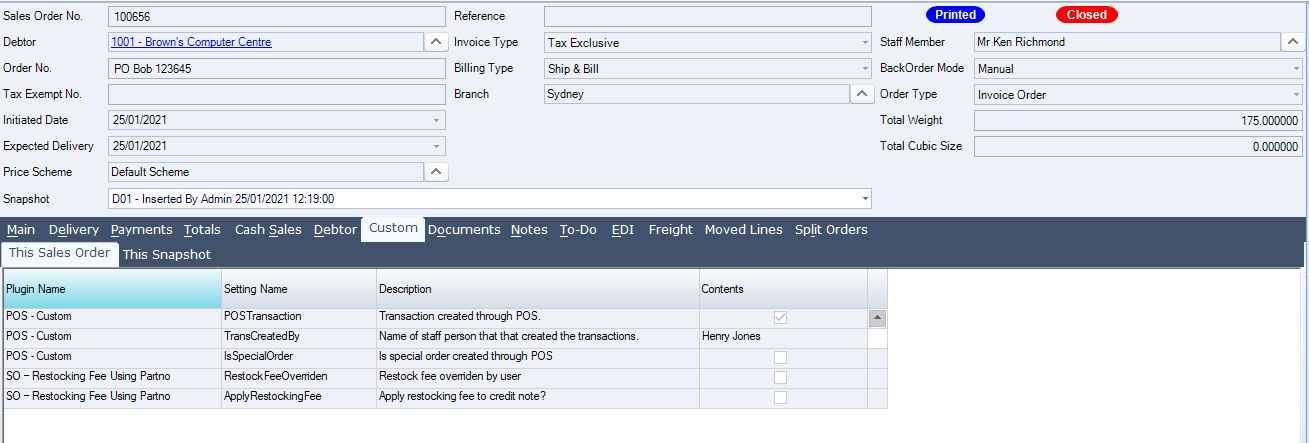
Once a sale has been completed through POS, a sales order in Jiwa is created and processed.
POS details are captured in custom fields on the sales order.
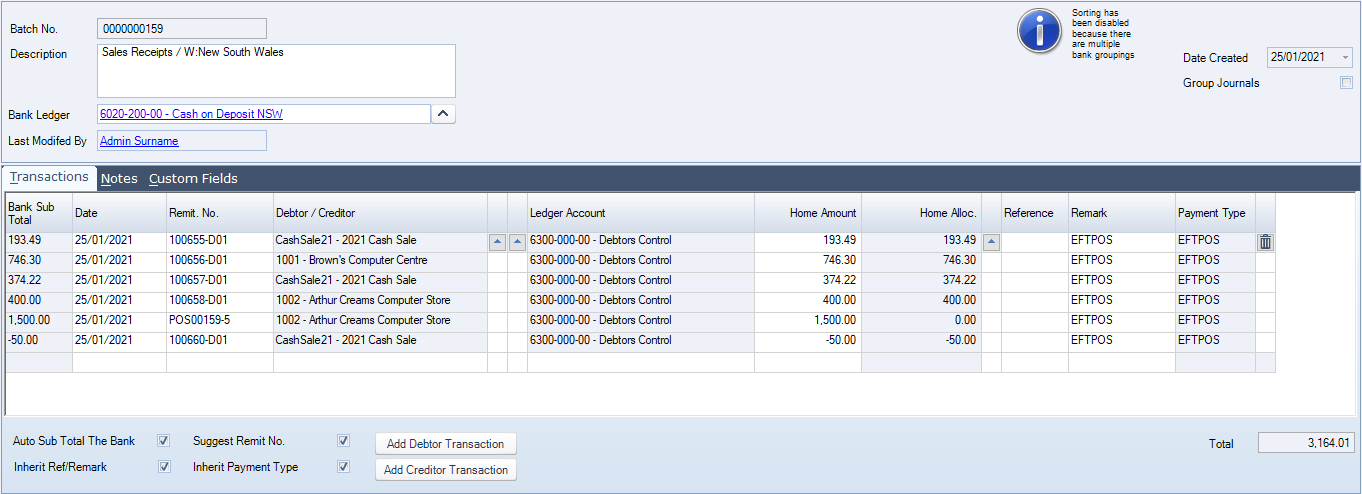
Cash Book Receipts
Payments and refunds are added to a cash book receipt batch to be reconciled and activated.