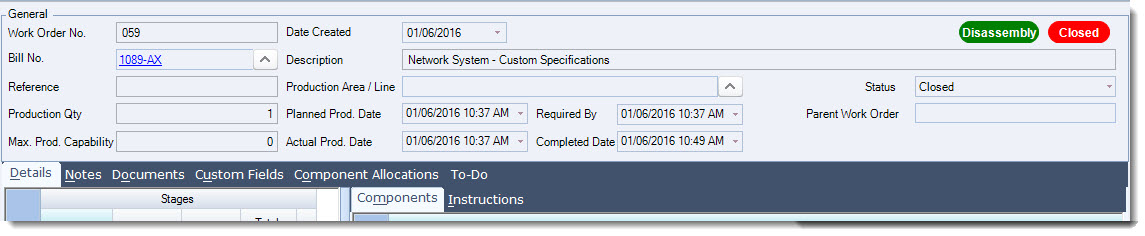
There are three(3) types of work orders in Jiwa, in this article we look at Disassembly Work Orders.
Before proceeding with this article we recommend that you have a basic understanding of the manufacturing process in Jiwa and you have reviewed the following articles;
Overview
A disassembly work order is one that allows you to disassemble items that have already been manufactured.
In Jiwa there are 2 ways in which items can be disassembled and the process used will be dependant upon your specific requirements;
-
Disassembly Work Order - A disassembly work order is used to breakup a manufactured item back into it's component parts, for example if spare parts were required or the finished item was damaged however some of the components can be salvaged and reused or sold as spare parts. This work order type uses the original BOM used to manufacture the finished product but reverses the input and output items.
-
Bill of Material - A BOM is created for the disassembly and a standard work order is used to process the disassembly. This method is used if you purchase a complete product from your supplier that you then disassemble in order to sell the components individually. An example of this type of disassembly is covered in our article Jiwa Manufacturing - Disassembly - Chopping Up a Chicken
Disassembly Work Orders
From the menu select Manufacturing | Work Order

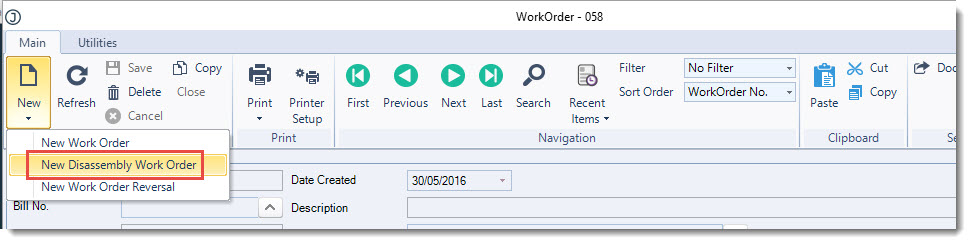
From the menu ribbon select New | New Disassembly Work Order
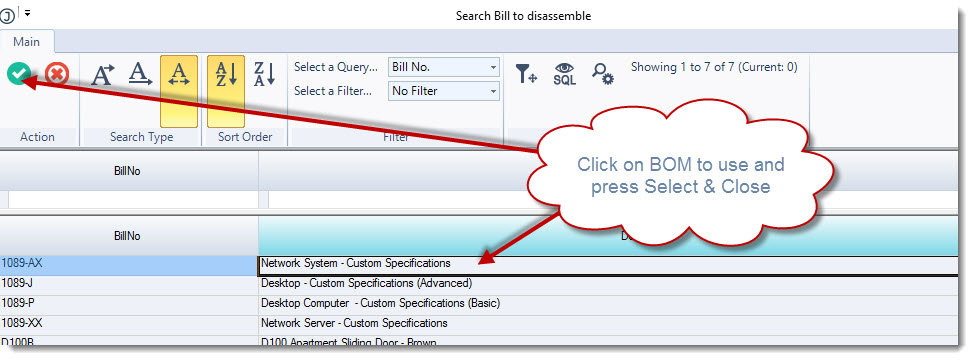
This will bring up the Search Bill to disassemble popup, select the BOM you want to use then press Select & Close from the menu ribbon
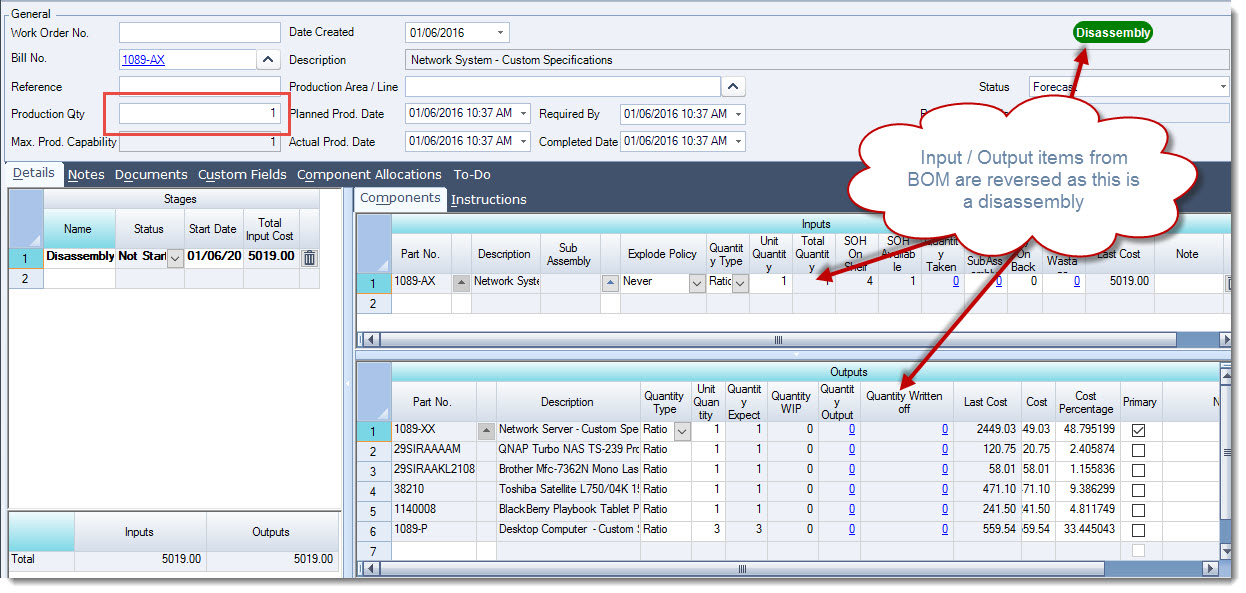
In the Production Qty field enter in the number of units you want to disassemble
You will notice that the BOM's ouput item is now the component input and the inputs are now outputs.
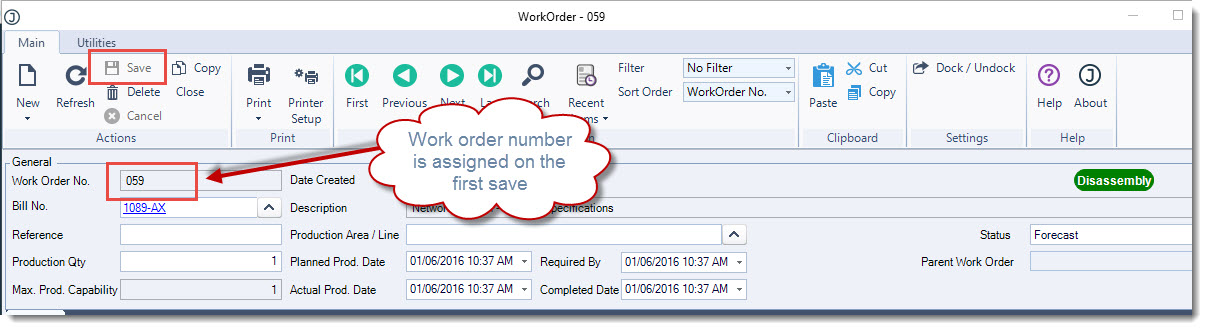
From the menu ribbon select Save to save your disassembly work order
When you are ready select Close from the menu ribbon to process your disassembly or change the status to Closed.
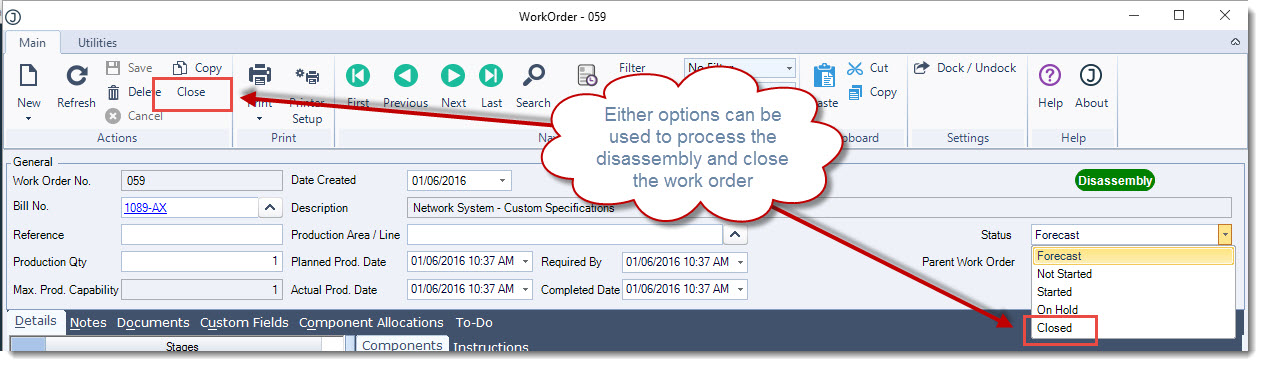
The disassembly work order is now closed from further editing and the stock ledger has been updated.