The Debtor / Debtor Class Batch utility in Jiwa is used to maintain Debtor Specific and Debtor Classification pricing in bulk. This feature can be used to create new prices, update existing prices, or delete prices that are no longer required.
This article explains how to use the Debtor / Debtor Class Batch feature to apply pricing changes across multiple products. In the example shown, we apply a bulk price discount to a range of products for a specific Debtor Classification.
Before using this feature on live data, we strongly recommend testing the updates in your TEST database to confirm the pricing changes are correct.
Select Inventory > Utilities > Price Updates > Debtor / Debtor Class Batch

Select the range of products that the update is to be applied to by either;
-
Product classification
-
Product category, or
-
Supplier
In this example the update is only applicable to the clothing product type;

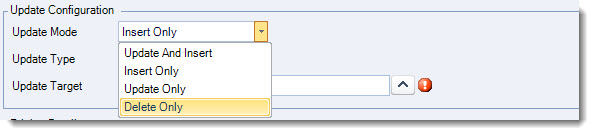
In the Update Configuration section set your Update Mode
|
Update Mode |
Description |
|
Update and Insert |
Update any existing prices and insert new prices |
|
Insert Only |
Insert prices only |
|
Update Only |
Update existing prices only |
|
Delete Only |
Delete existing prices only |
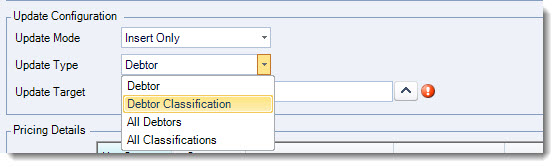
Set your Update Type
|
Upate Type |
Description |
|
Debtor |
Update a specific Debtor account |
|
Debtor Classification |
Update a specific Debtor Classification |
|
All Debtors |
Update for all Debtor accounts - will update Debtor Specific Prices tab on Inventory Maintenance |
|
All Classifications |
Update for all Debtor Classifications - will update Debtor Class Specific Prices tab on Inventory Maintenance |
Set your Update Target the options available to you will be dependant upon the update type you have selected.

In the Pricing Details section set your new price details.
In the example below a discount of 10% for the month of August is to be applied to all clothing products

Complete a final check of your settings then from the menu ribbon press Process
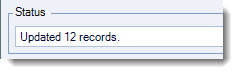
The Status bar will display the number of updated records once the process has finished
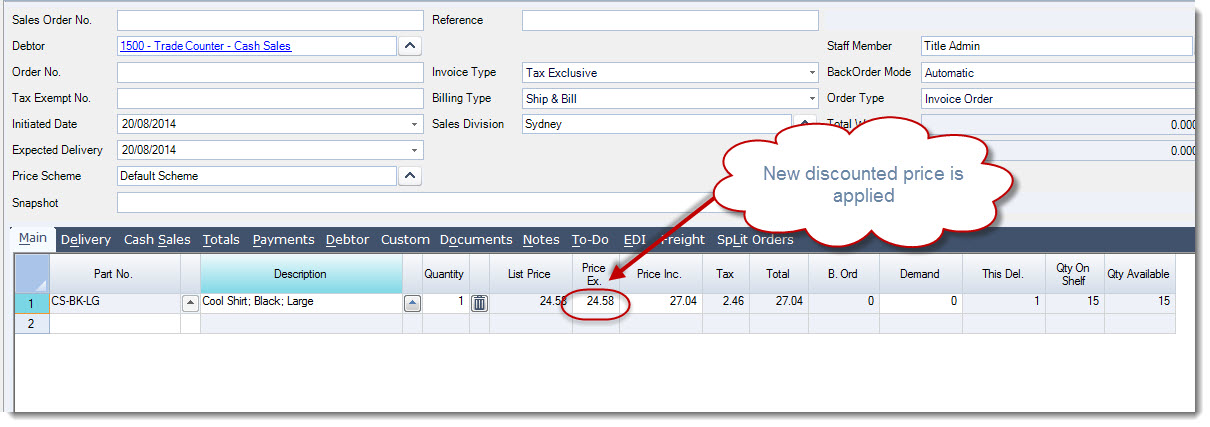
As you can see our stock item has now been updated with the Debtor Class Specific Price
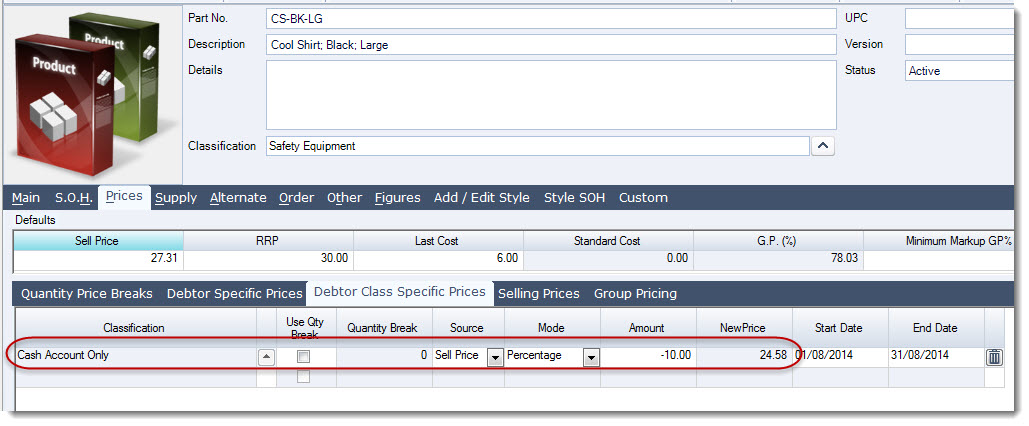
The new discounted price is applied to all customers in the Cash Account Only debtor classification.