
In this article we will be looking at how to receive stock into Jiwa without a purchase order.
This is useful in situations where stock is ordered for example over the phone without a purchase order being generated in Jiwa.
In such cases stock can be received directly through the Goods Received Note Entry (GRN) form eliminating the need to generate a purchase order.
Before proceeding with this article please ensure you have an understanding of the purchasing process in Jiwa.
If you are new to Jiwa we recommend that you review the following articles first before proceeding.
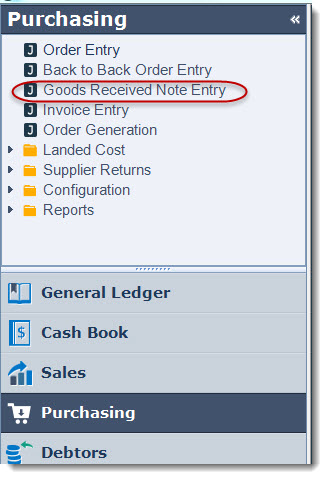
From the Purchasing menu select Goods Received Note Entry
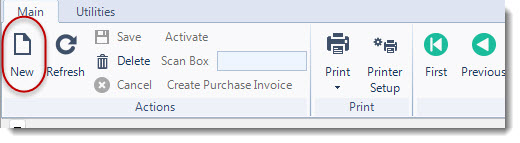
Select New from the menu ribbon to create a new receival note
Select your creditor from the search creditors screen
To add a non ordered item to your Goods Received Note simply click on the Add Non-Ordered Item button this will activate the search Inventory screen for you to select your inventory items that have been purchased.
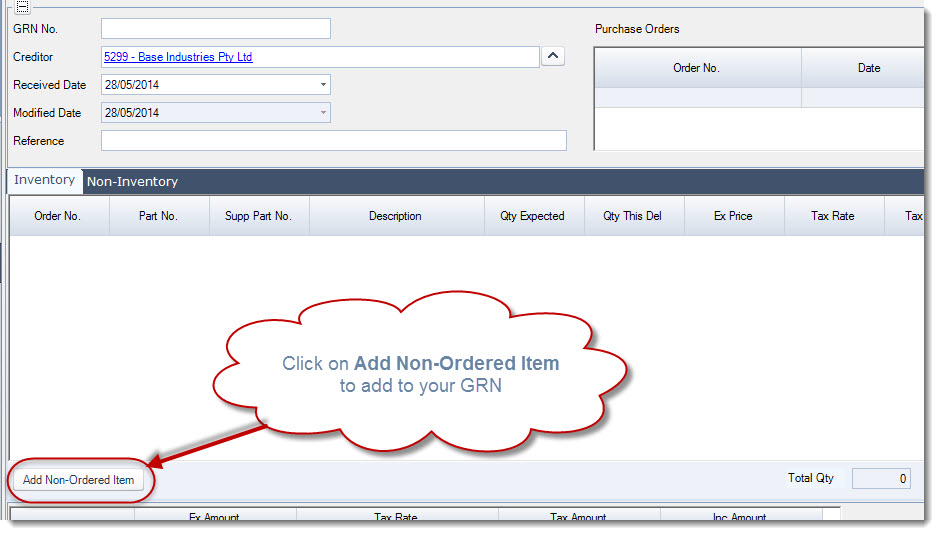
Add the items purchased in the Qty This Del field and confirm the price

Save and Activate your GRN