
The Period Roll Over process in Jiwa is used to move Debtor and Creditor balances forward by one statement period.
This article explains how to run the Period Roll Over process in Jiwa and what should be considered before it is completed. We recommend using an end-of-month checklist before running this process so that all required month-end tasks have been reviewed and completed.
The Period Roll Over process ages Debtor and Creditor balances for the selected statement period types. It also ages out fully allocated transactions, which means those transactions are locked and can no longer be unallocated.
The Period Roll Over process must be completed in the new period. For example, the January period rollover should be completed in February. If January is rolled while still in January, Debtor and Creditor balances may not age correctly.
Important
If receipts or payments have been allocated in the new period, they should not be activated until after the Period Roll Over process has been completed. This helps ensure that new-period transactions are not aged out as part of the rollover.
Completing a Period Roll-Over
The Period Roll Over option from the default Jiwa menu is available from System Settings | Roll-Over | Period Roll-Over.
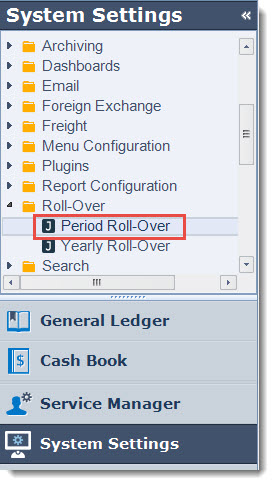
This will activate the Period Roll Over form
General Options

The Period Rollover Date will default to the users current login date, and represents the date that the period roll over process is run. This date can be left at the default.
Only Recalculate Balances - this option is used to recalculate aged balances as displayed on the Debtor / Creditor Maintenance Financials tab. When this option is checked transactions are not aged.
Debtor and Creditor Options
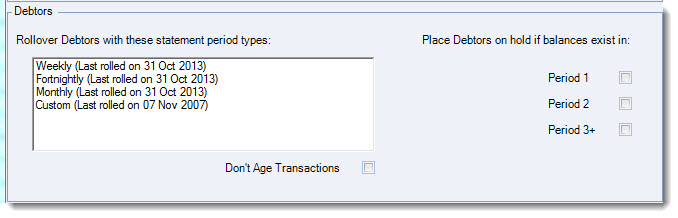
Debtors in Jiwa can be assigned different statement period types which have the following period parameters;
-
Weekly - Sunday to Saturday,
-
Fornightly - Sunday to the following Saturday week,
-
Monthly - Calendar month, and
-
Custom - Determined by system setting (Debtors only)
Each period type in use therefore will need to be rolled.
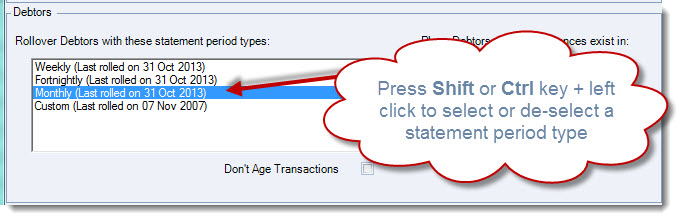
To select or deselect a period type press the Shift or Ctrl button on your key board and left click on the required period type.
The selected period type will be highlighted as shown in the example below.
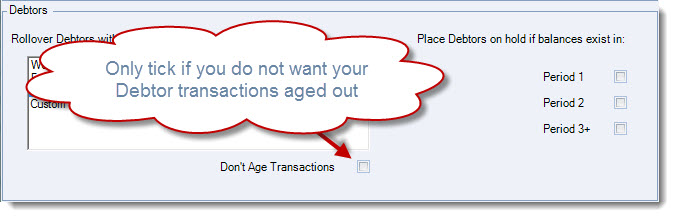
If you do not want to age out your transactions tick the option Don't Age Transactions
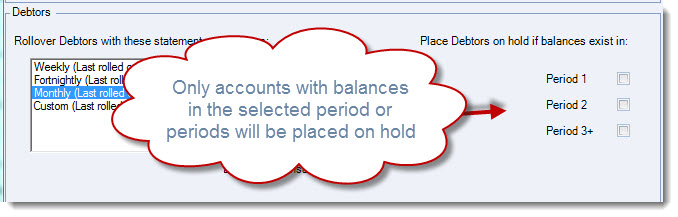
Debtors can be automatically placed on hold if balances exist in any of the periods selected to be placed on hold.
Rolling Over
Once you have select the statement period types to roll over,
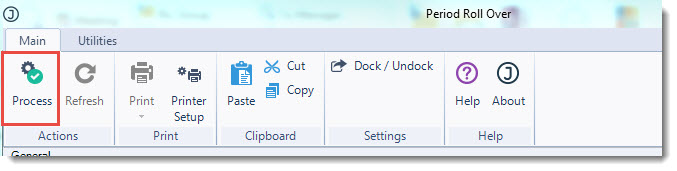
From the menu ribbon select Process
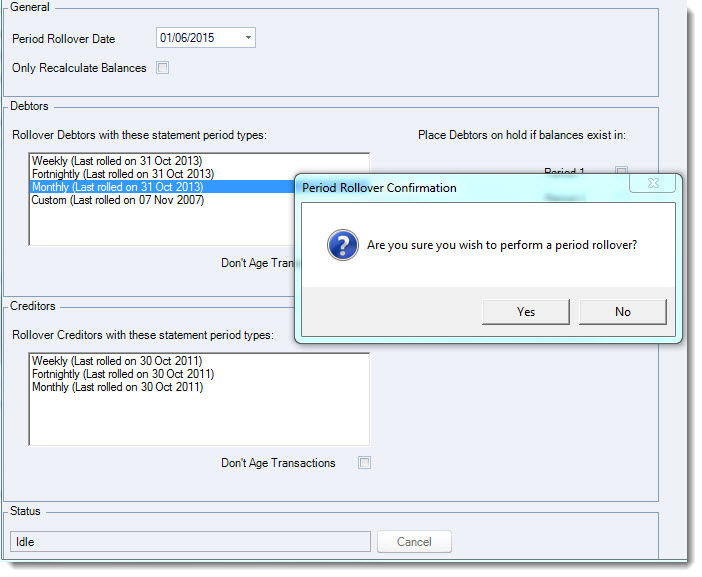
The Period Rollover Confirmation popup will appear select Yes if you are ready to roll over.
The status bar displays when the roll over process have been completed.
