In this article we look at the at different Creditor ageing reports that are available in Jiwa also referred to as Balance As At reports.
Creditors Balance As At
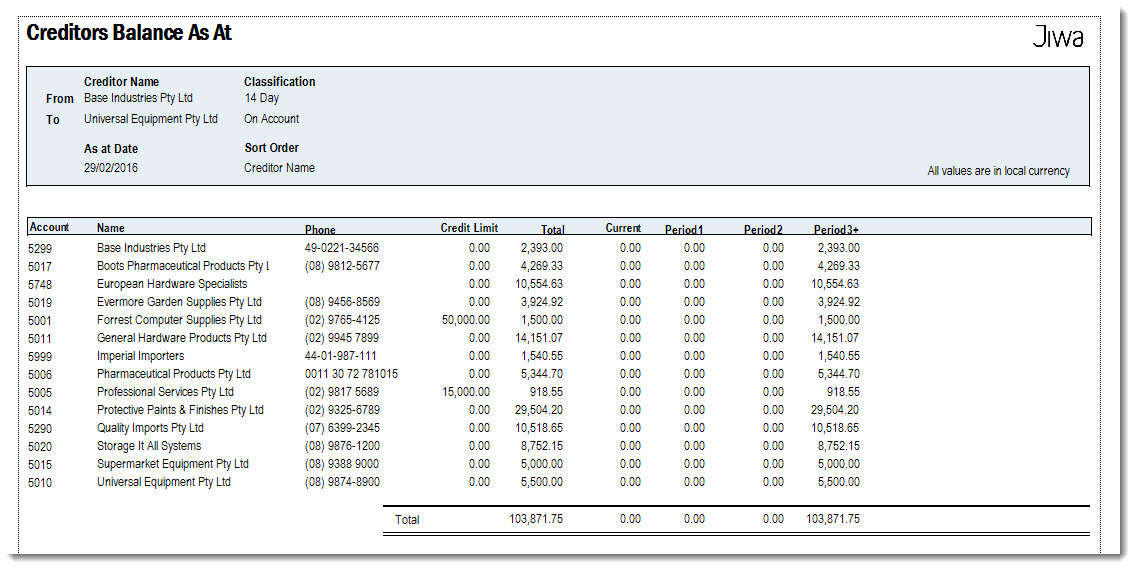
The Creditors Balance As At report is a summary aged balance report that can be run retrospectively. The report displays foreign currency creditors converted to AUD based on the FX rate applied to each invoice. To view foreign currency creditors in the FX value run the FX Creditors Balance As At report.
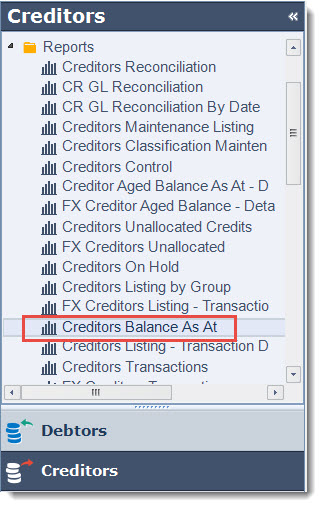
Select Creditors | Reports | Creditors Balance As At
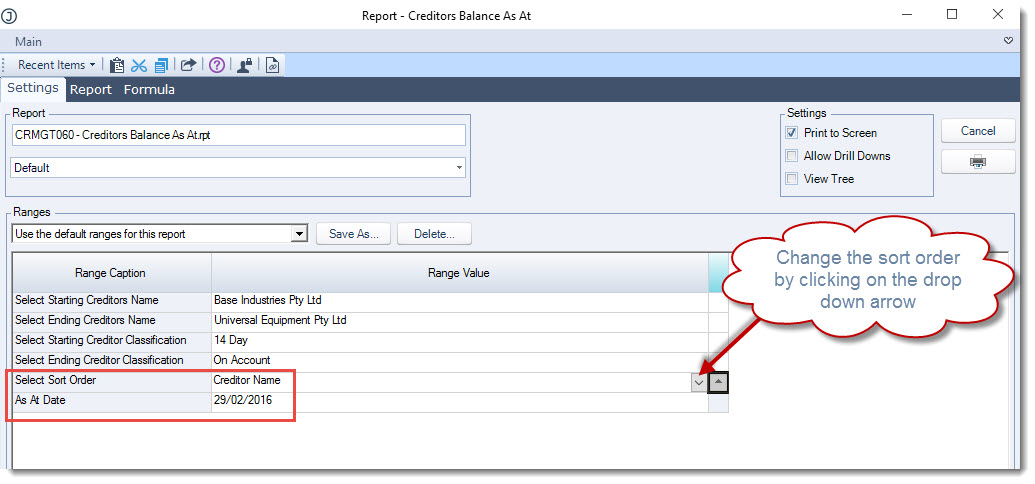
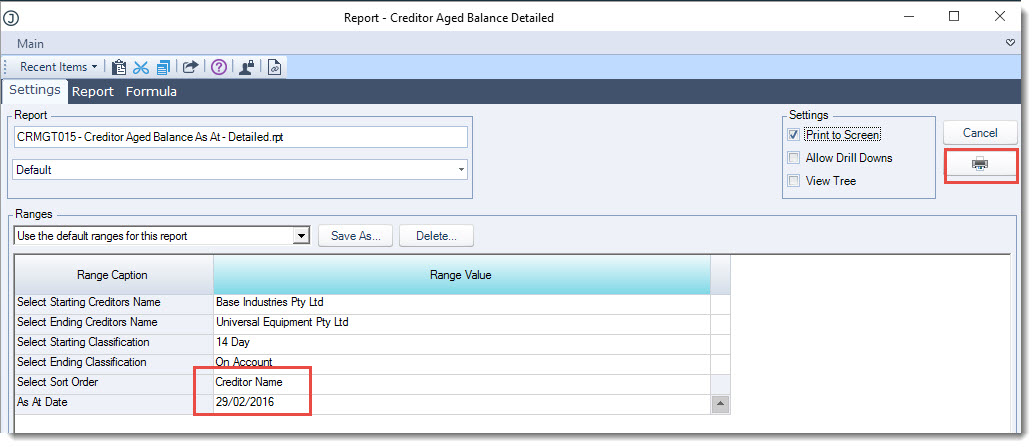
Using the report range options set the
-
Sort order, and
-
Confirm the As At Date the report is to be run for
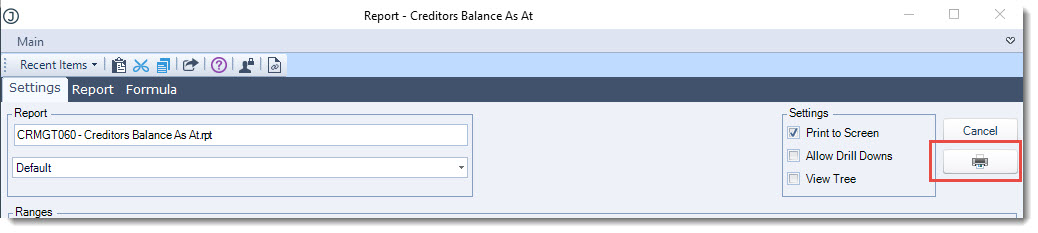
When you have set your parameters click on the printer icon
Creditors Aged Balance As At - Detailed
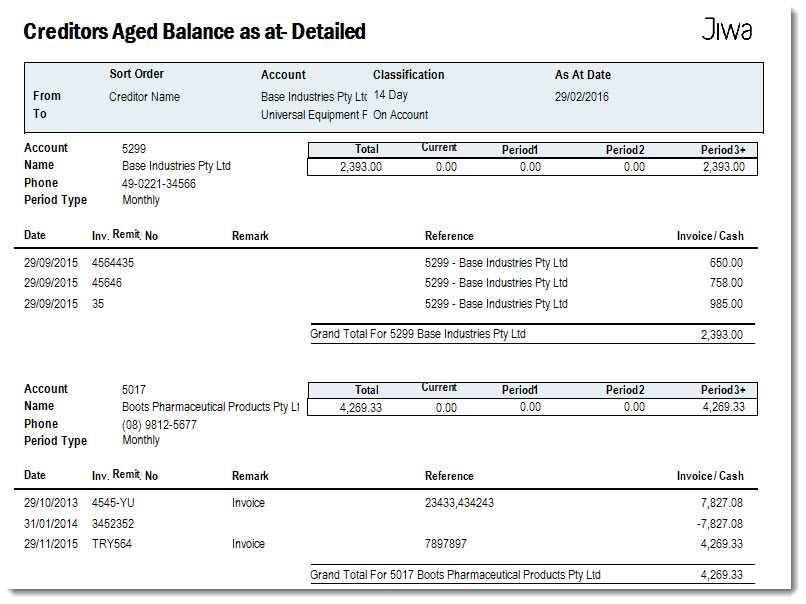
The Creditors Aged Balance As At - Detailed report is a detailed aged balance report that can also be run retrospectively. The report displays foreign currency creditors converted to AUD based on the FX rate applied to each invoice. To view foreign currency creditors in their FX value run the FX Creditors Aged Balance As At - Detailed report.
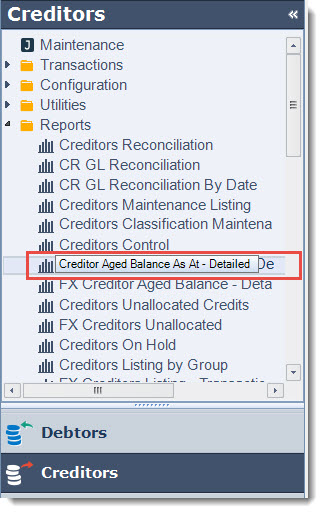
Select Creditors | Reports | Creditors Aged Balance As At- Detailed
Set your report ranges and then select Print
This video is best seen on the full screen. Just click on the icon at the bottom right of the video (see image below). To exit full screen just press escape