
Use this article to archive old sales orders in Jiwa.
Steps
1. Open Archiving Maintenance
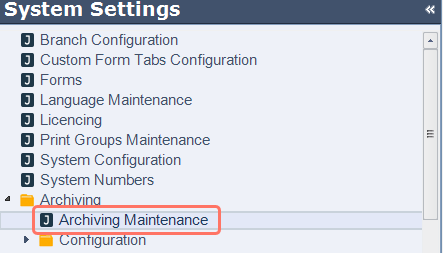
Go to System Settings > Archiving > Archiving Maintenance.
2. Select the archive job
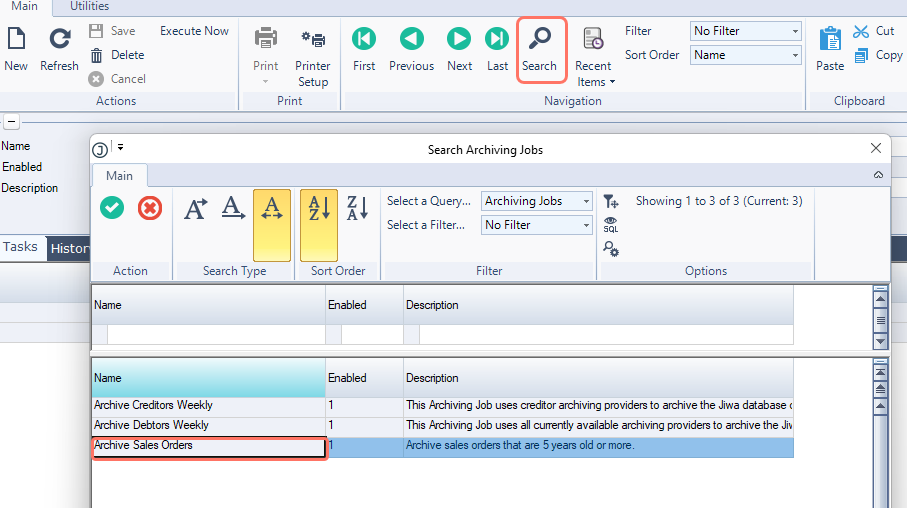
Select Search, then choose Archive Sales Orders.
3. Review archive settings
Check the default criteria:
-
Archives all closed sales orders 5 years or older
If different criteria is required, please contact your Jiwa consultant.

4. Enable the archive process
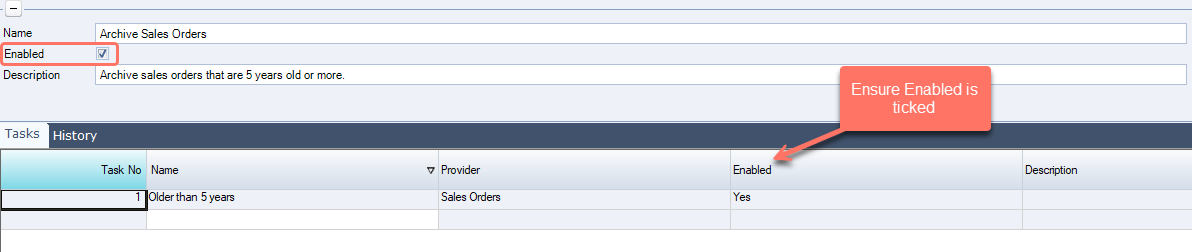
Ensure Enabled is checked.
If not enabled, the system will only simulate the process and no data will be archived.
5. Run the archive
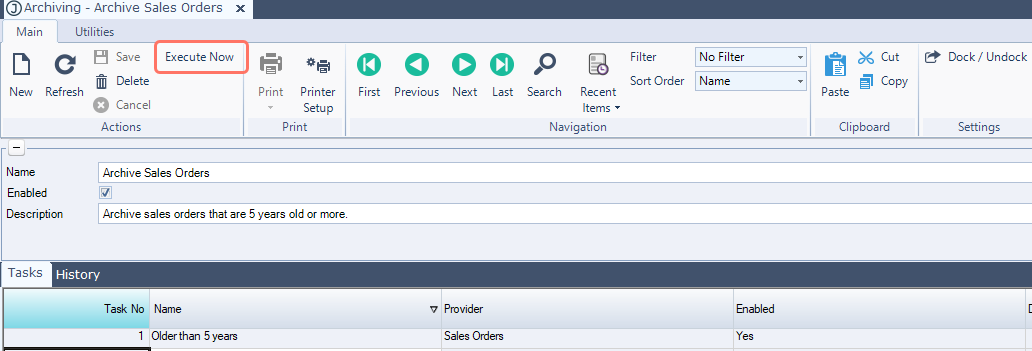
Select Execute Now to run the archiving process.
6. Review the results
After running the archive:
-
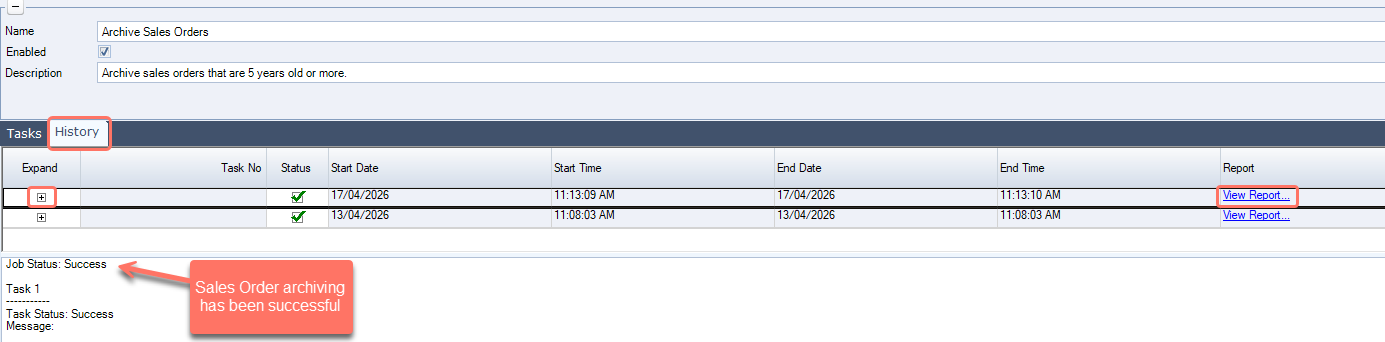
Go to the History tab
-
Expand on the latest job status
-
Check for any errors
-
Click on View Report to see the update details
Tips
-
Run archiving during quiet periods or afterhours
-
Always review the history log after running
-
Test the archiving process with a simulation if unsure (untick the Enabled box in step 4)