SMS templates are used in SMS Alerts for Jiwa to define the message content, trigger settings, and rules used when SMS messages are sent from Jiwa.
This article explains the SMS Template form and the key sections used to create and maintain SMS templates. Templates help ensure that SMS messages use consistent wording and can include information from Jiwa using tokens.
The SMS Template form includes the Summary, Header, Tokens, Body, and Custom Trigger SQL sections.
|
Section |
Purpose |
|---|---|
|
Summary |
Provides an overview of the template setup and key details. |
|
Header |
Defines the main template settings, including the trigger and repeat options. |
|
Tokens |
Shows the available tokens that can be used to insert Jiwa information into the SMS message. |
|
Body |
Contains the SMS message text that will be sent. |
|
Custom Trigger SQL |
Used where a custom SQL trigger is required for the SMS template. |
Summary
The summary section is where we record the template name and provide a brief description of its purpose.
Details of who created and modified the template are also captured in read only fields.

Header
The header section captures details of what initiates the alert, where it needs to be sent to, is it automatically sent and does it have a repeat cycle.
If the alert is automatic we also need to confirm it's trigger, in other words what process will initiate the automatic sending of the SMS alert.

|
Field |
Description |
|
Form |
List of forms that an SMS alert can be created against. Options available;
|
|
To |
Which contact is the SMS alert to be sent to.
The available options change depending on which form you are wanting to create your alert from. |
|
Contact Position |
Drop down selection of contact positions. This option is only enabled when the To option is set to Contact Position. When a contact position is selected then the SMS alert is sent to all contacts against the Debtor account that are linked to this position. |
|
Exclude Debtor Accounts |
Flags that allow you to exclude Debtor accounts that have been flagged as On Hold or made inactive. You can also set a minimum balance so that alerts are not sent out if the Debtor has exceeded it's trading terms by small amounts. |
|
Enabled |
SMS templates can be created but will only send out alerts when flagged as enabled. |
|
Automatic |
When this flag is ticked the SMS is sent out automatically based on the selected trigger selected. |
|
Trigger |
Drop down option of available triggers for sending out SMS alerts based on the form selected. The following triggers are available for each form. Debtor Maintenance
Sales Order Entry Form
|
|
Repeat Settings |
Option to have an SMS alert go out each hour, day, week or month if required. This is useful if for example you want an alert to go out each day until the customers overdue invoices have been settled. |
Tokens
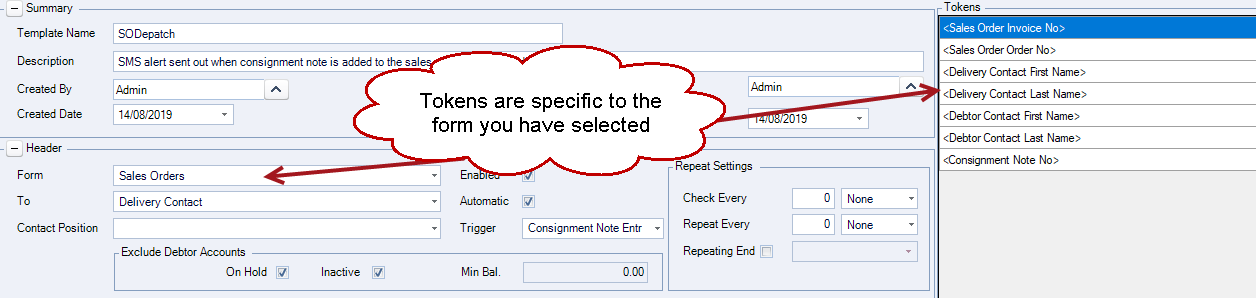
Tokens are used to add data from Jiwa to the SMS message.
Available tokens are form specific and will display when the form is selected in the header section.
|
Form |
Standard Tokens |
|
Debtor Maintenance |
|
|
Sales Quote |
|
|
Sales Order |
|
Body
The Body tab is used to add your text message for the SMS alert.
Using a combination of your own text and tokens a message is created.
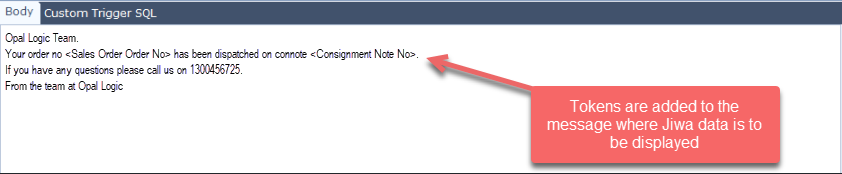
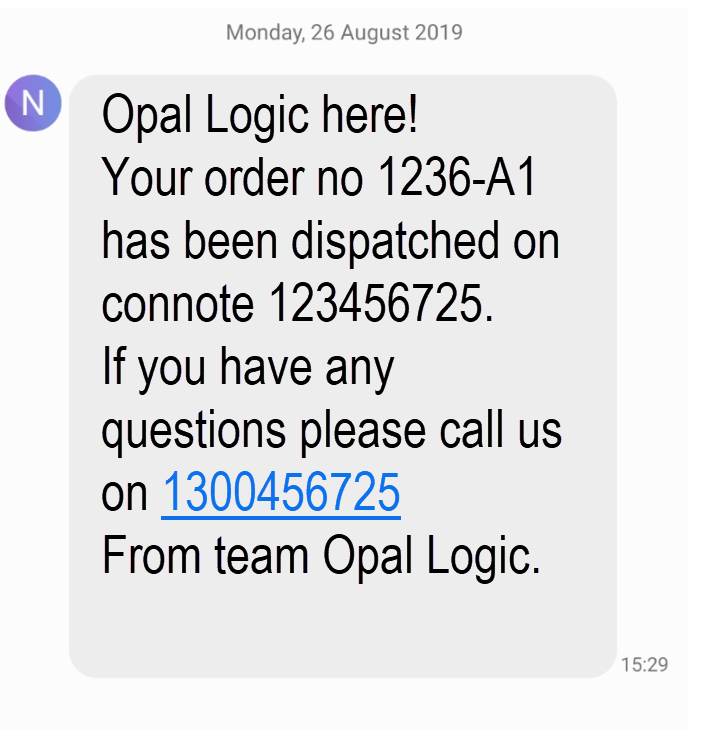
If you intend to add phone numbers to your messages we recommend not adding in spaces.
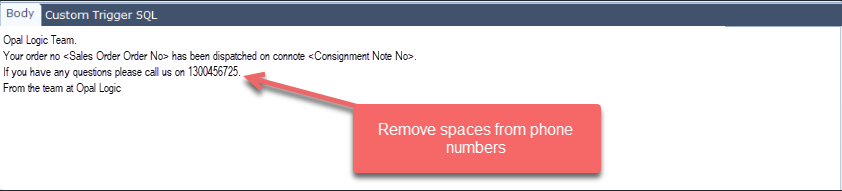
When the message is received the whole number appears as a hyperlink making it easier for your customer to simply click on the number to call you.
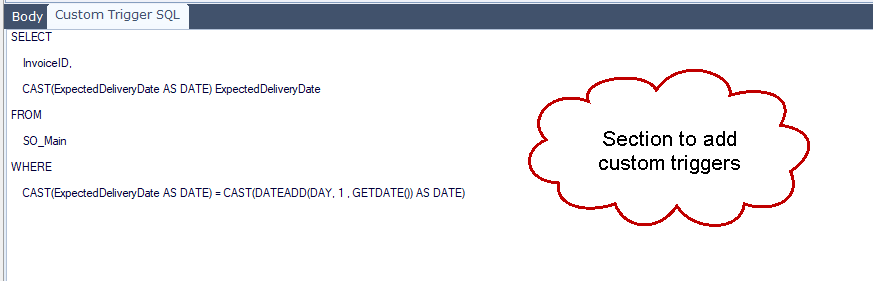
Custom Trigger SQL
This tab allows you to create your own alert trigger if the standard triggers do not meet your specific requirements.
To discuss your needs please contact us on 1300 456 725.