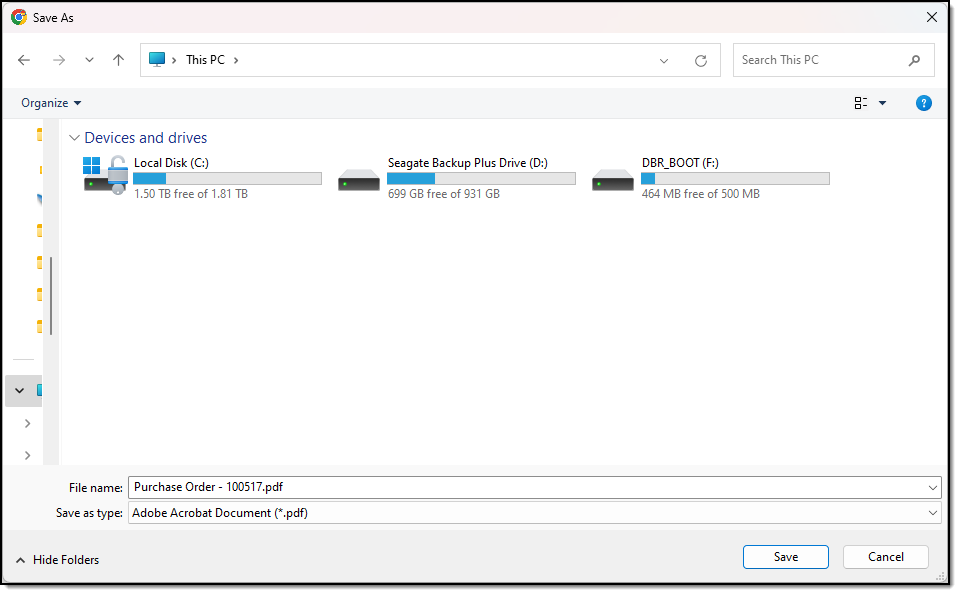
When in AppStream any documents you export from your application are saved to the cloud and not your local workstation.
In this article we look at how you can download the exported document to your workstation.
When exporting your report, save the report to the Temporary Files folder.
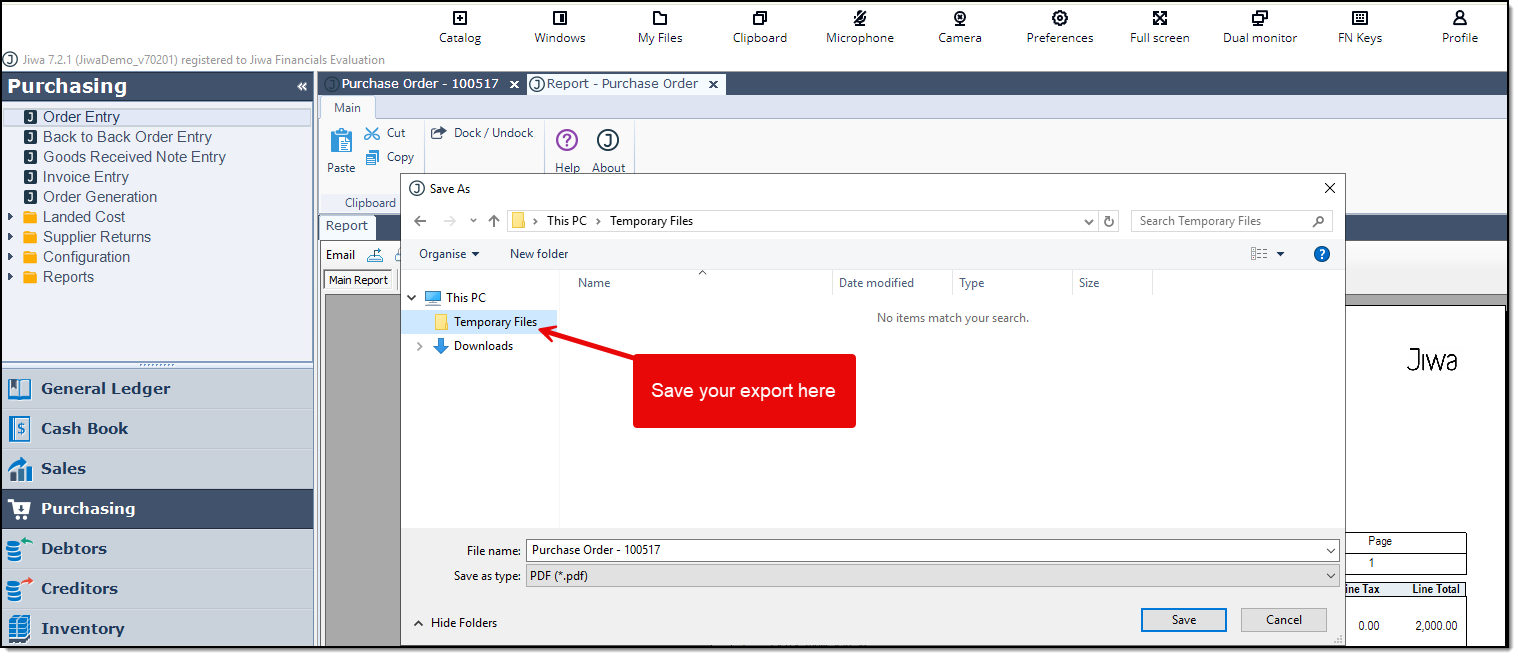
AppStream Temporary Folder
Documents saved to the temporary folder are cleared when you exit out of AppStream.
This folder cannot be used for storing files.
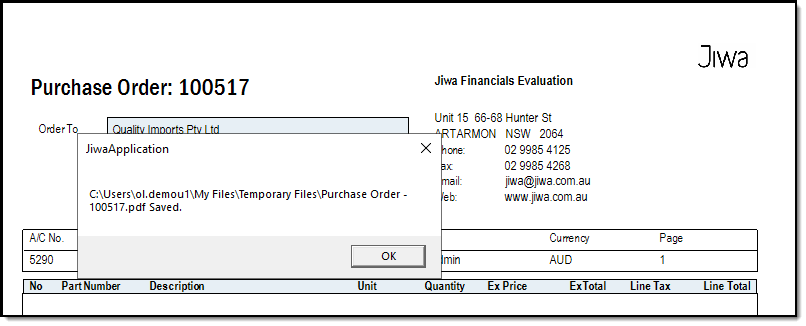
The following message is displayed once the export is complete.
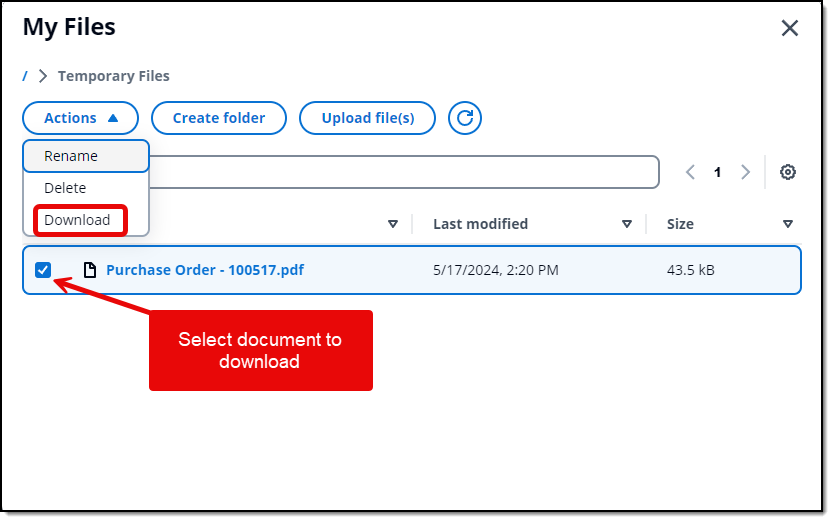
To download the export to your local workstation, from the AppStream menu click on My Files and then click on the Temporary Files folder.
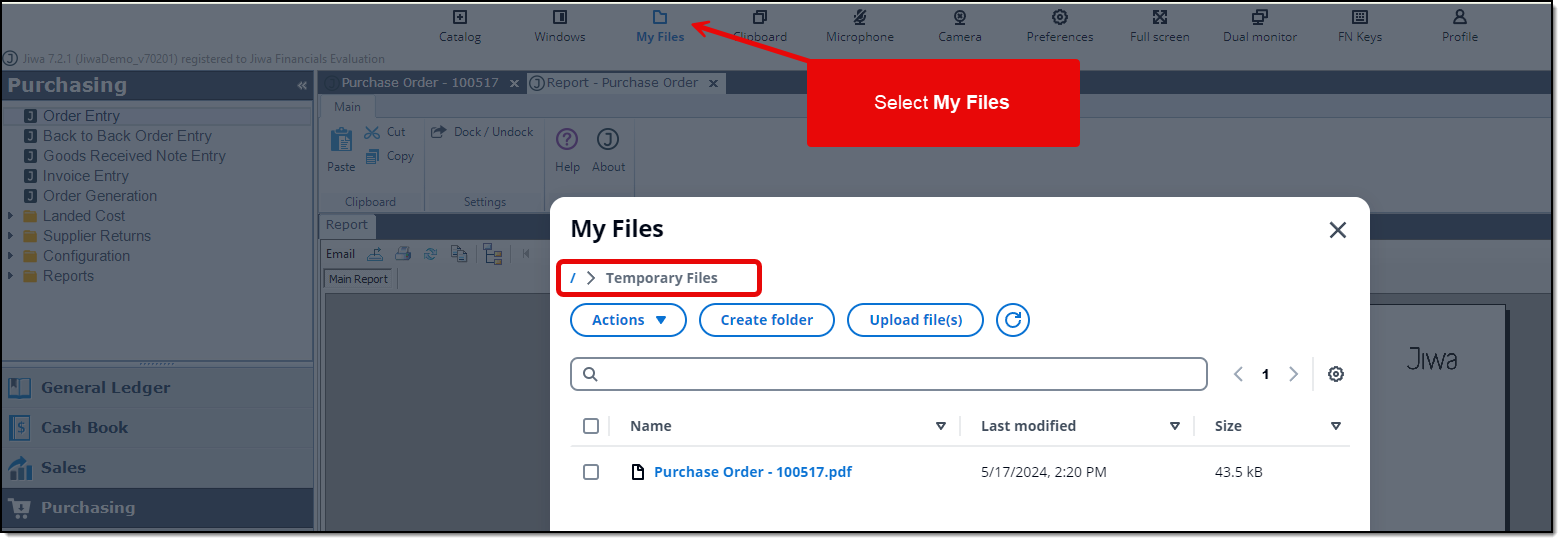
Select the document or documents you want to download to your local workstation but ticking the checkbox.
From the Actions menu select Download.
Select the location on your local workstation that you want to save your file or files to.