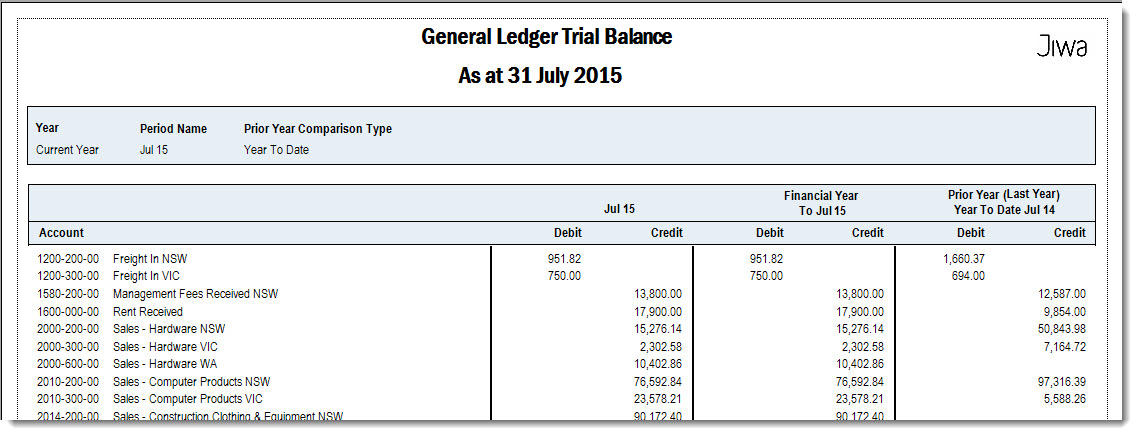
In this article we look at some financial reports that are available in Jiwa in particular the;
-
Profit & Loss,
-
Balance Sheet, and
-
Trial Balance
Profit & Loss Report
There are 2 standard Profit & Loss Reports in Jiwa;
-
Profit & Loss, and
-
Profit & Loss With Actuals, Budgets and Variance
Profit & Loss
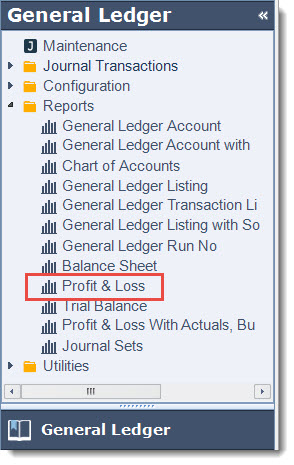
To run the Profit & Loss report from the menu select General Ledger | Reports | Profit & Loss
Set your report ranges
|
Range Option |
Description |
|
Select Year |
Select the financial year you want to report on. Available options are:
|
|
Select Period No |
Select the period that you want to run the report for. Period 1 represents the first month of the financial year for example;
|
|
Select Starting Period No. Select Ending Period No. |
New in Jiwa release 7.0.175 Select starting and ending period range to run report for |
|
Select Last Year Comparative |
Select how you want your last years comparative figures to display, options include
|
|
Select Starting / Ending Segment 1 - 6 |
If you are running a company P&L the starting/ending segments can be left at the default. If one of your segments represents a reporting division then select the starting/ending segment you want to report on. |
|
Show Expenses Subtotal |
This option controls if a subtotal for overhead expenses is displayed or not. When option is selected: 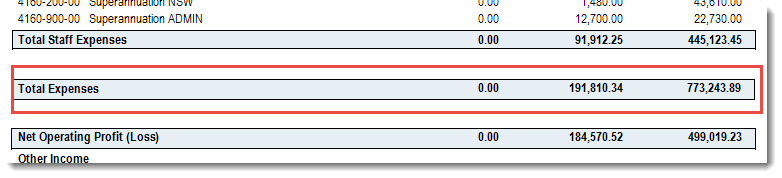
When this option is not selected: 
|
|
Select Report Style |
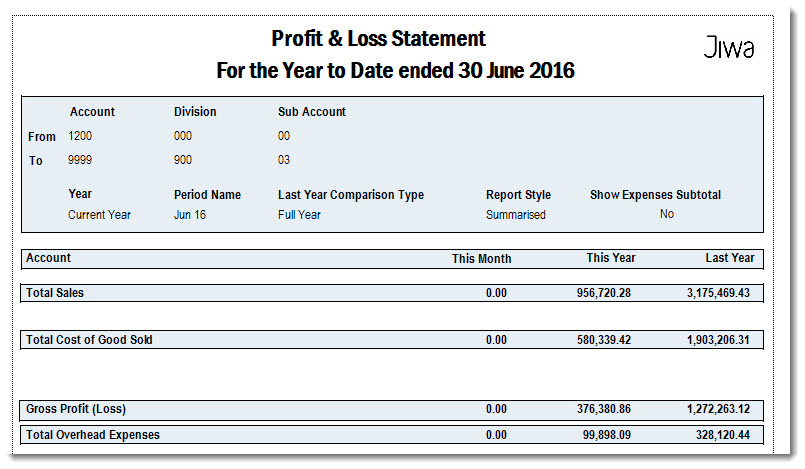
Select to print either a Detailed or Summary Report. Detailed: report displays all General Ledger accounts Summary: report only displays totals by Account Category |
|
Select Account Ordering |
New in Jiwa release 7.0.175 Select the order in which gross profit accounts are to be displayed in, options include;
|
|
Select Expenses Account Order |
New in Jiwa release 7.0.175 Select the order in which expense accounts are to be displayed in, options include;
|
|
Select Segment Grouping |
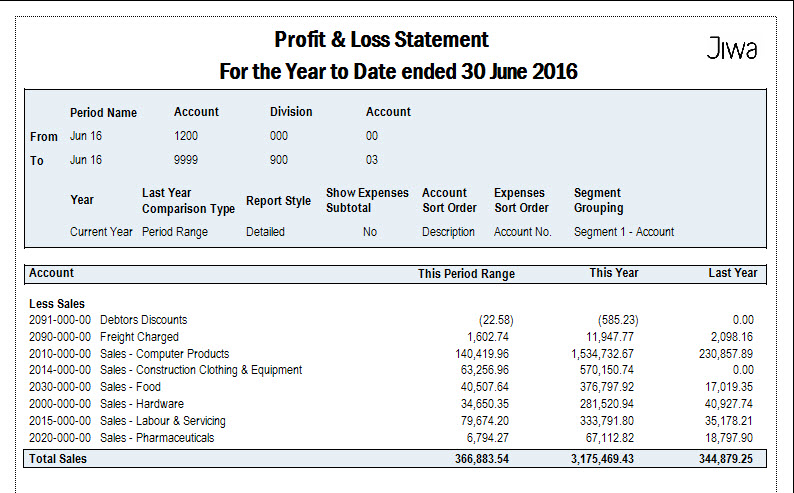
New in Jiwa release 7.0.175 This option enables you to consolidate your P&L accounts up to a particular segment. For example if you have a 3 segment account structure you can group up to segment 1 which means that only the total for the first segment is displayed on the report as per the example below. |
Detailed P&L Report
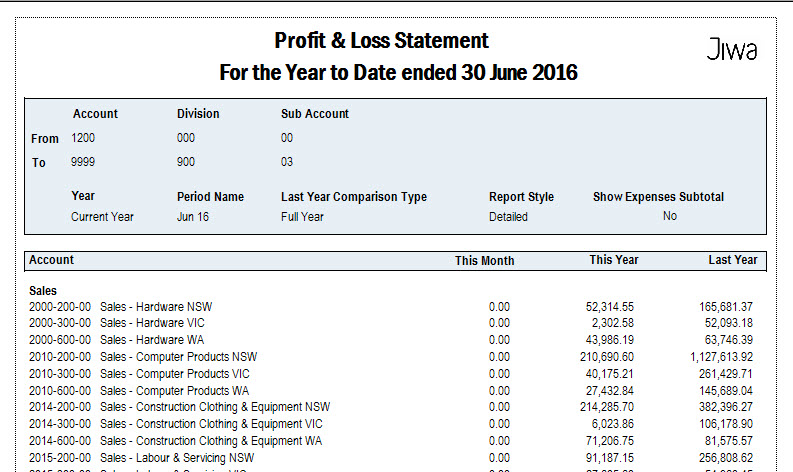
Detailed P&L Report Grouped at Segment 1
Summary P&L Report
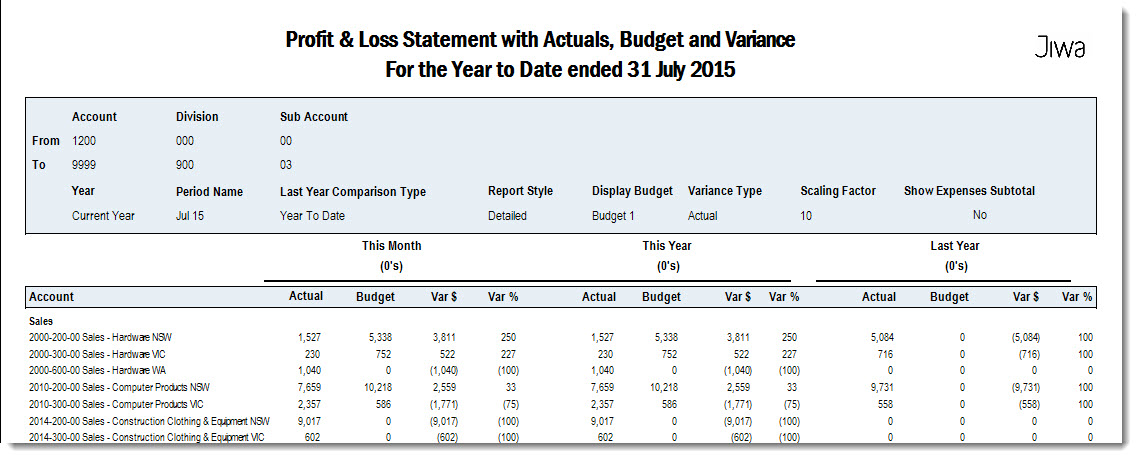
Profit & Loss Wtih Actuals, Budgets and Variance
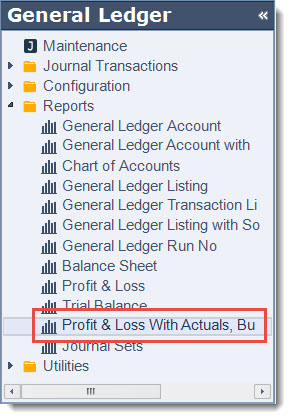
To run the Profit & Loss report from the menu select General Ledger | Reports | Profit & Loss With Actuals, Budgets and Variance
Set you report ranges
|
Range Option |
Description |
|
Select Year |
Select the financial year you want to report on. Available options are:
|
|
Select Period No |
Select the period that you want to run the report for. Period 1 represents the first month of the financial year for example;
|
|
Select Last Year Comparative |
Select how you want your last years comparative figures to display, options include
|
|
Select Starting/Ending Segment 1 - 6 |
If you are running a company P&L the starting/ending segments can be left at the default. If one of your segments represents a reporting division then select the starting/ending segment you want to report on. |
|
Select Budget |
Select the Budget to apply to your P&L |
|
Select Variance |
Select how you want the variance to appear Actual Variance: Variance as a percentage of actual results Budget Variance: Variance as a percentage of budgeted amount |
|
Select Scaling Factor |
Select how values are displayed on the report options range from 10's and up. The default is no scaling (None) |
|
Show Expenses Subtotal |
Select to display subtotal for overhead expenses |
|
Select Report Style |
Select to print either a Detailed or Summary Report. Detailed: report displays all General Ledger accounts Summary: report only displays totals by Account Category |
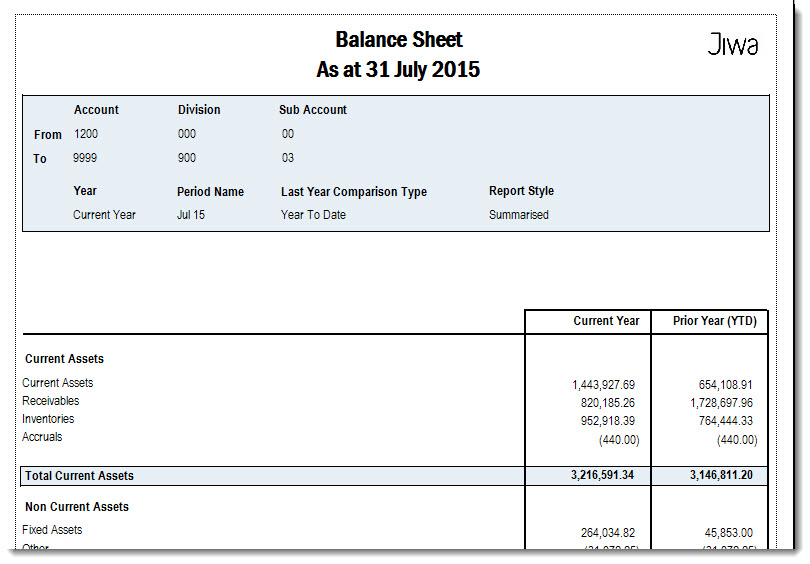
Balance Sheet
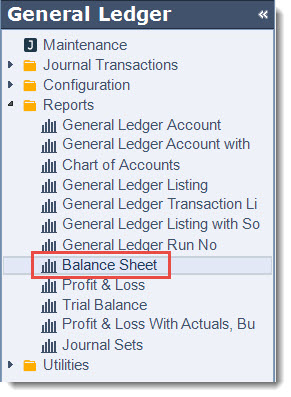
To run the Profit & Loss report from the menu select General Ledger | Reports | Balance Sheet
|
Range Option |
Description |
|
Select Year |
Select the financial year you want to report on. Available options are:
|
|
Select Period No |
Select the period that you want to run the report for. Period 1 represents the first month of the financial year for example;
|
|
Select Last Year Comparative |
Select how you want your last years comparative figures to display, options include
|
|
Select Starting / Ending Segment 1 - 6 |
If you are running a company Balance Sheet Report the starting/ending segments can be left at the default. If one of your segments represents a reporting division then select the starting/ending segment you want to report on. |
|
Select Report Style |
Select to print either a Detailed or Summary Report. Detailed: report displays all General Ledger accounts Summary: report only displays totals by Account Category |
Trial Balance
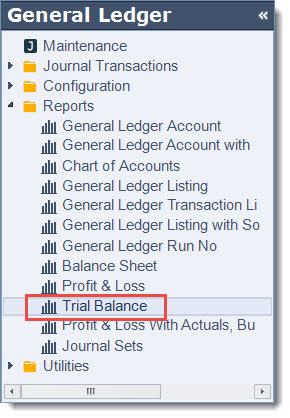
To run the Profit & Loss report from the menu select General Ledger | Reports | Trial Balance
|
Range Option |
Description |
|
Select Year |
Select the financial year you want to report on. Available options are:
|
|
Select Period No |
Select the period that you want to run the report for. Period 1 represents the first month of the financial year for example;
|
|
Select Prior Year Comparative |
Select how you want your last years comparative figures to display, options include
|