Debtor categories are used to provide additional ways to group, filter, and analyse customer accounts in Jiwa.
This article explains how to create and maintain Debtor categories. Categories can be used alongside Debtor classifications to give the business more flexibility when organising customer records for reporting, searching, sales analysis, and account management.
When setting up Debtor categories, consider how customer accounts need to be grouped for day-to-day processing, reporting requirements, and future analysis.
Debtor Categories
Jiwa has 5 different Debtor categories which can be used for reporting, searching and analysis purposes.
Categories are independent of classifications and each other which allows for greater flexibility in reporting and analysis from a Debtor sales perspective.
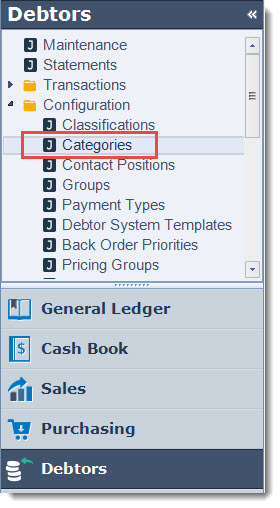
From the menu select Debtors | Configuration | Categories
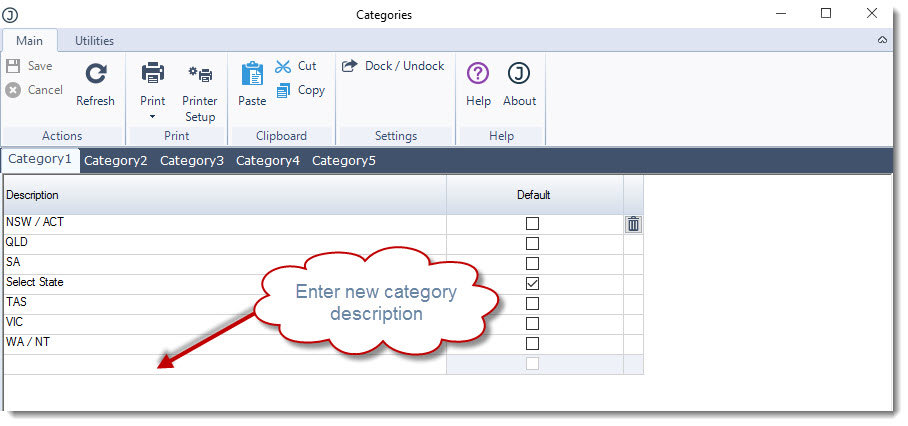
Starting with the first category enter your category description in the Description field.
The default flag is used to indicate the default category that is applied when new accounts are created through Debtor maintenance.
Save your updates.
Repeat this process for each category used.
Category Descriptions
So that the purpose of each category is clear to users when creating and maintaining Debtor accounts, category descriptions can be manged through system settings.
To update your Debtor category descriptions go to System Settings | System Configuration menu.
Click on the Debtors tab and update the category descriptions.
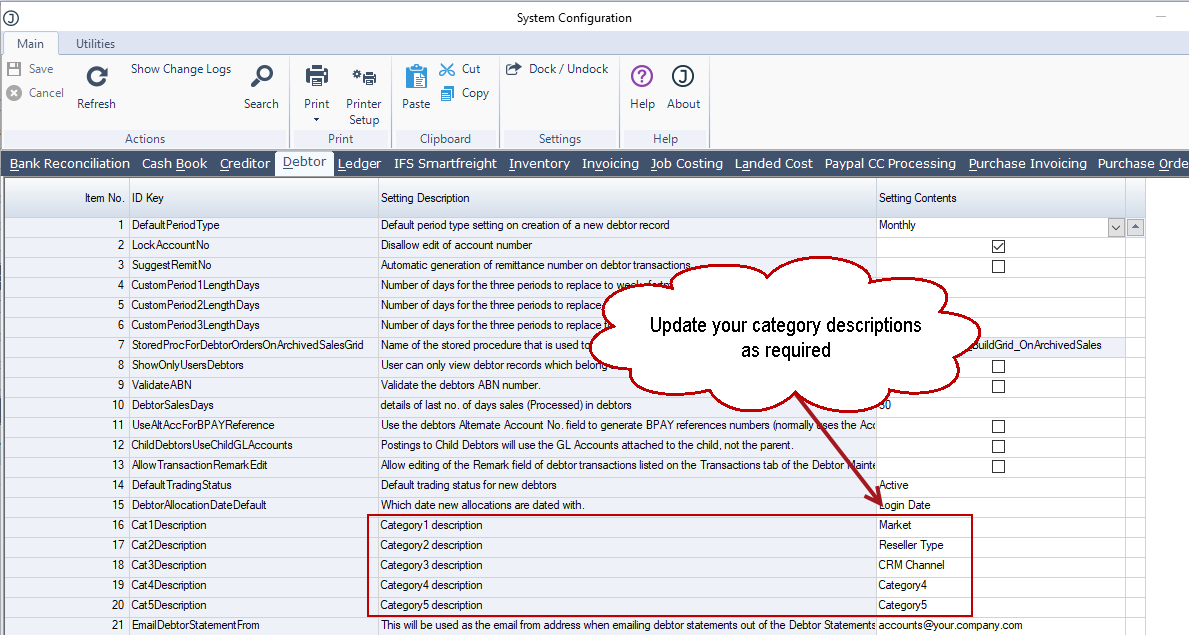
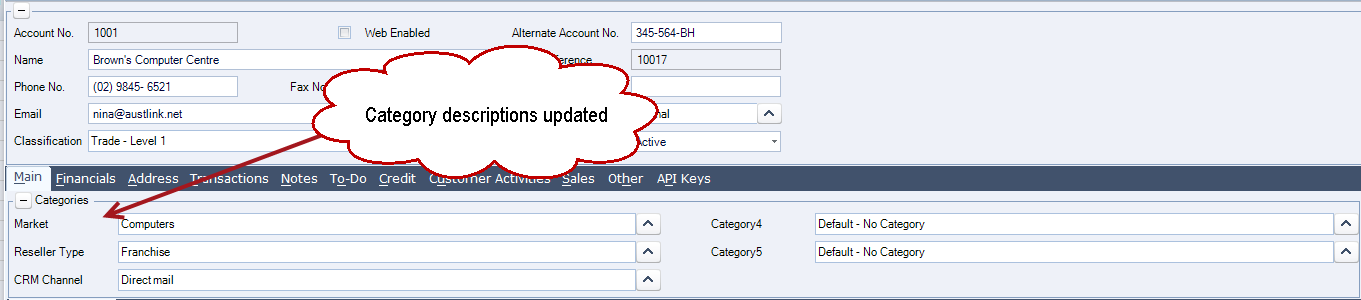
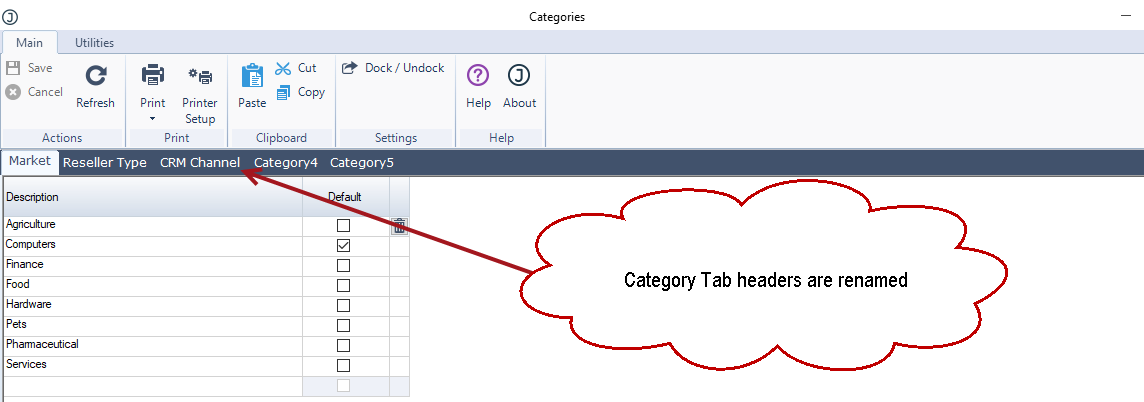
This will update the descriptions displayed on the Debtor and Debtor Category maintenance forms.