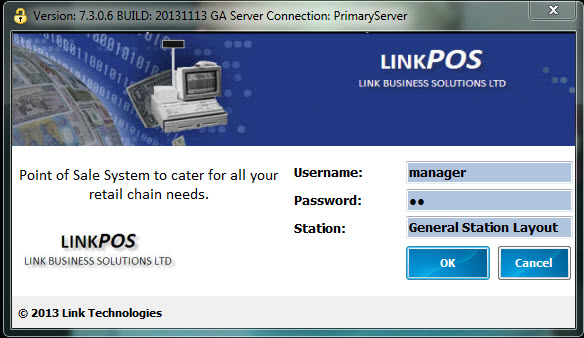
Log into POS by selecting the POS icon and enter your login details
Starting your Shift
Select Start Point of Sale, the days shift is automatically created for you, confirming your till's float for the day.
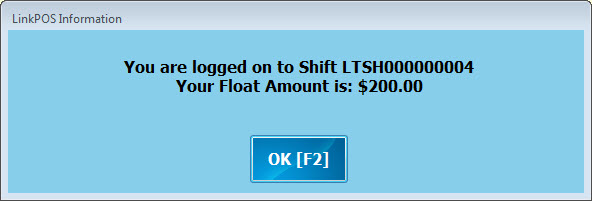
You can now commence processing your transactions for the day.
Closing your Shift
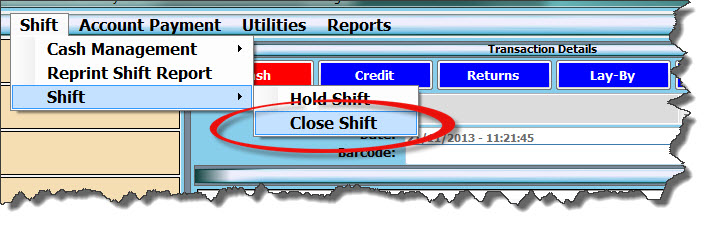
To close you shift from the SHIFT drop down menu select Shift / Close Shift
Count your cash and EFTPOS receipts, enter in your counted / settled values in the Till Amount column against each respective payment type.
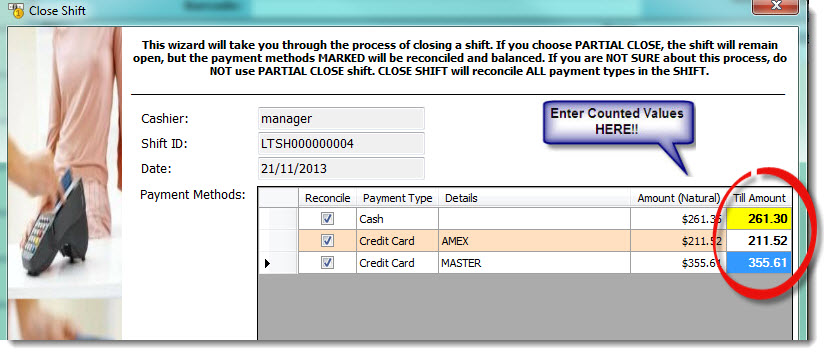
Select NEXT>> to move to the next step
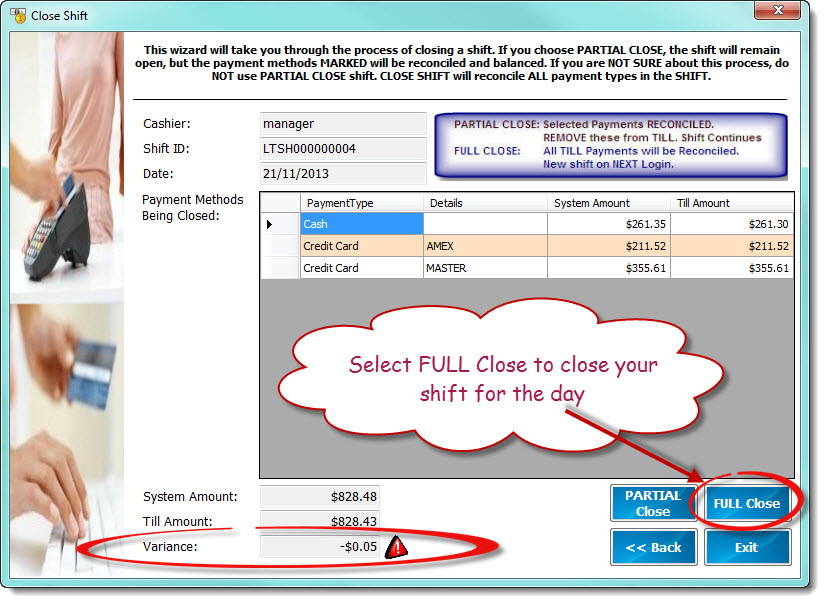
Check for any variances.
If you have missed key a count use the <<Back icon to move back a screen and re-enter your till amounts
When you are satisfied that the counted values are correct select FULL Close
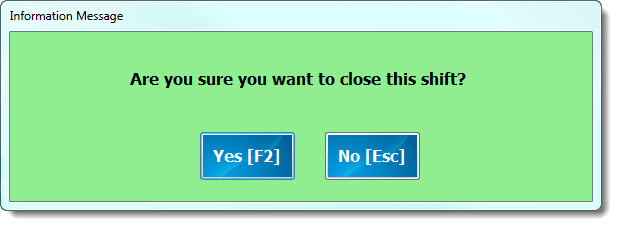
Select YES to confirm that you want to close the shift
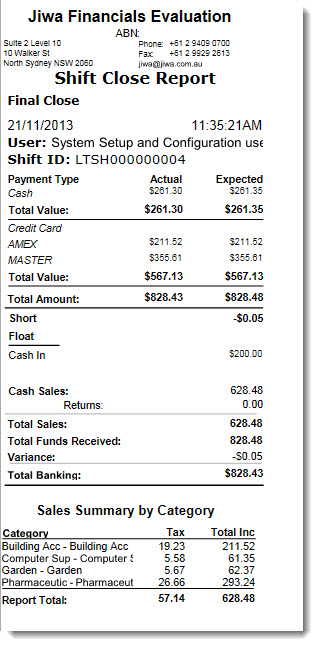
Your shift report will print
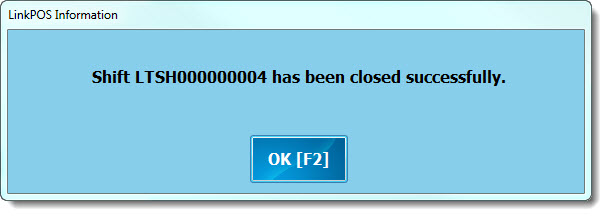
Confirmation window will appear select OK