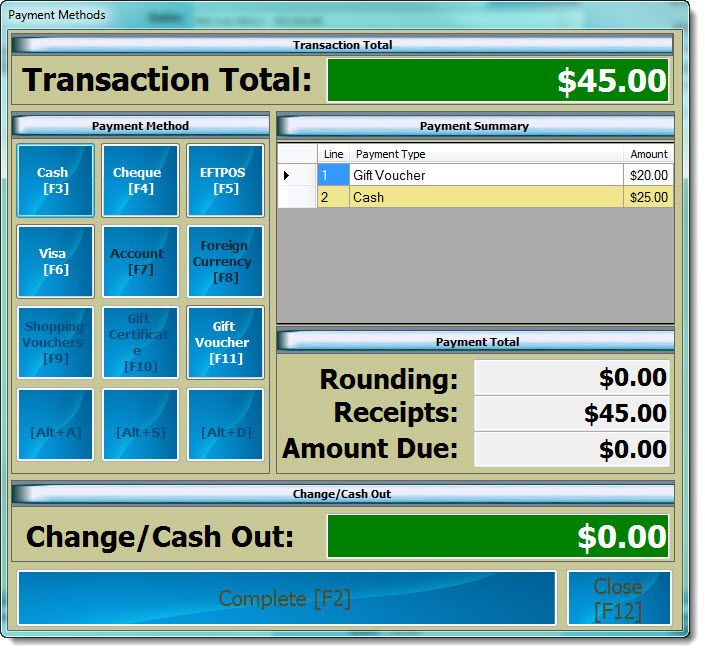
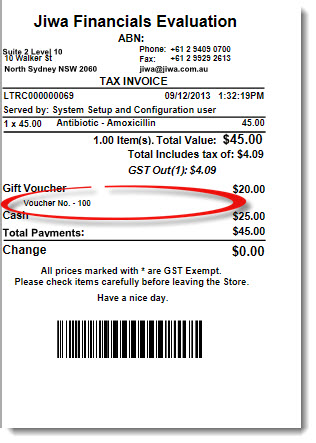
This article will take you through the process of selling and redeeming gift vouchers through LinkPOS
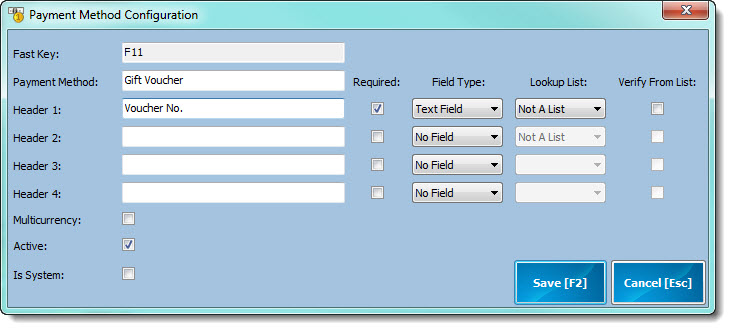
Gift Voucher Payment Type
Prior to commencing ensure that a Gift Voucher payment type has been set-up in LinkPOS
Selling Gift Vouchers
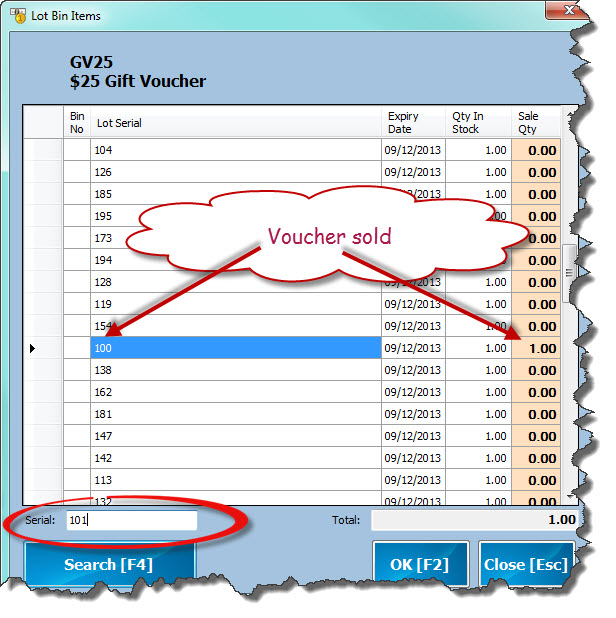
Enter in the voucher item code in the bar code field, the serial number search screen will appear
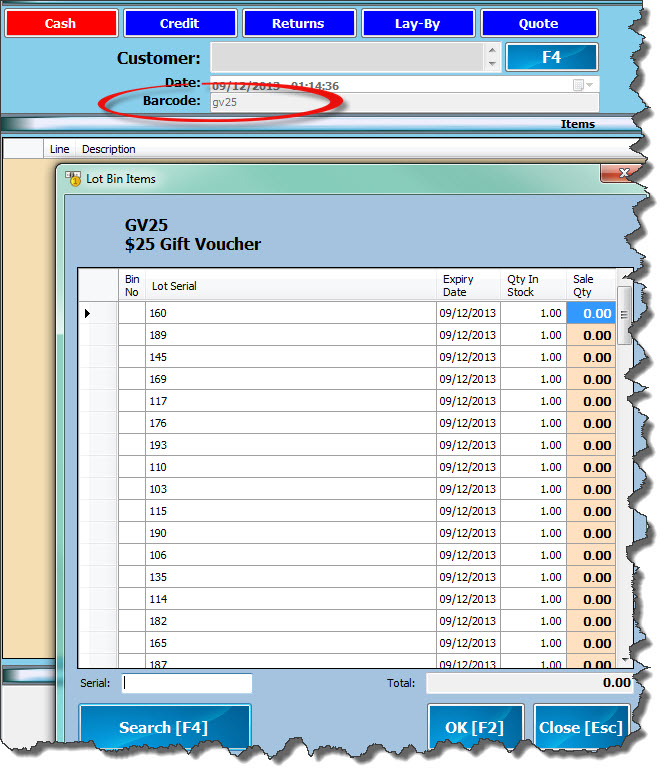
In the serial number field enter in the voucher number and press Search [F4]. If the voucher is available the sale quantity against that voucher will automatically be set.
Repeat the process for each voucher sold the select OK to leave the screen.
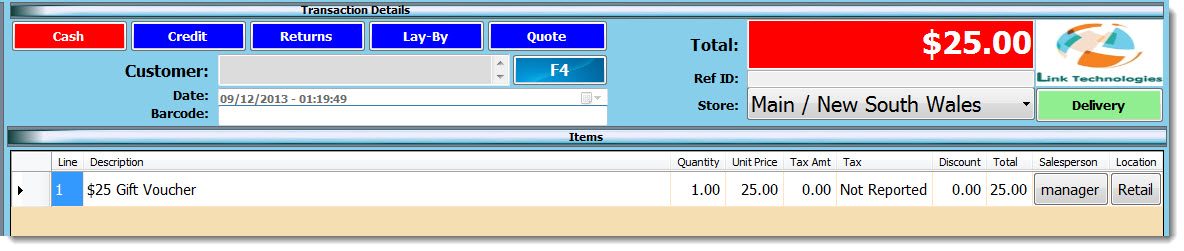
Complete the transaction
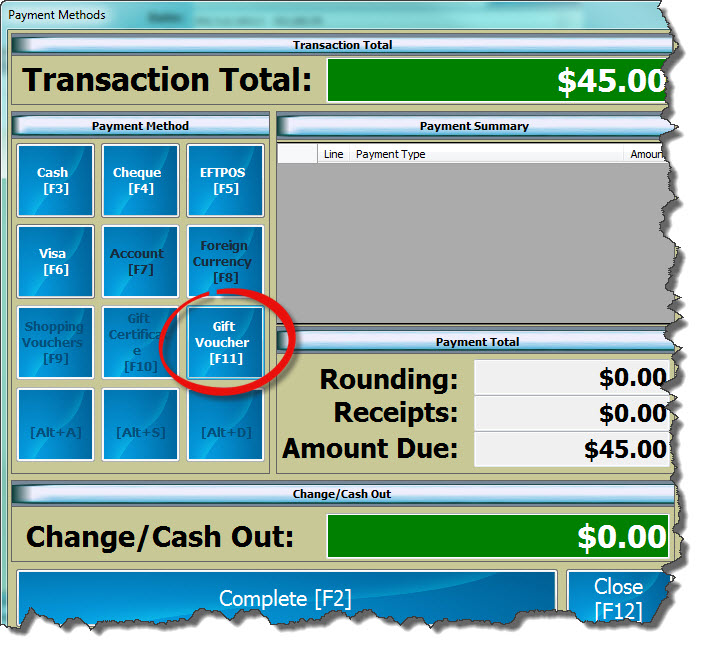
Redeeming Gift Vouchers
Select the payment type 'Gift Voucher
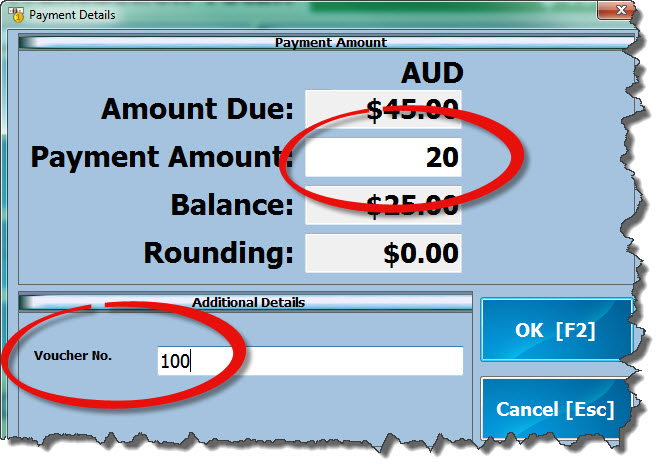
Enter in the voucher amount in the payment amount field and the voucher number in the voucher number field.
NOTE: Voucher number verification is currently in development
Finalise the transaction