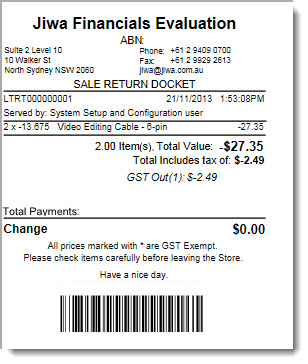
Processing Refunds/Returns
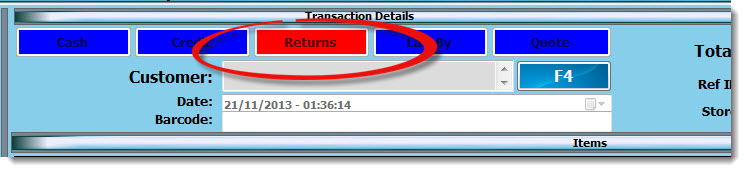
Select the RETURNS button
Enter in the original DOCKET NO that the return relates to, or press F$ to search for the docket number.
Select the reason as to why the stock is being returned/refunded
Enter in a note relating to the return
NOTE: Depending on the configuration of your database the reason assigned to the return will determine if stock is returned to stock or not
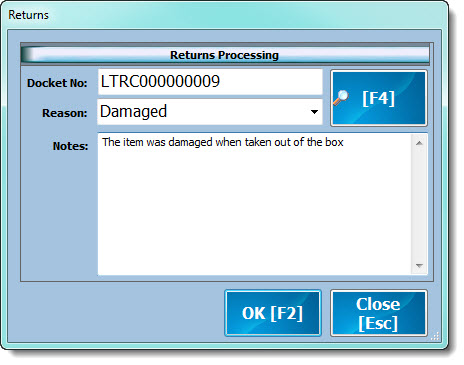
Select OK (F2) when completed
Select the item being returned / refunded
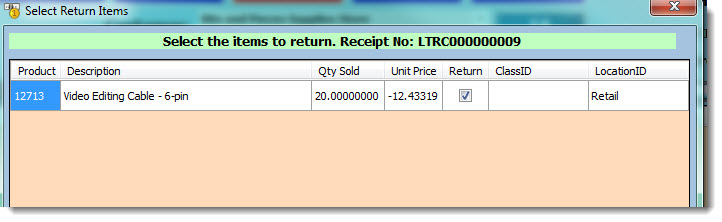
Select OK
Amend the quantity being returned if required
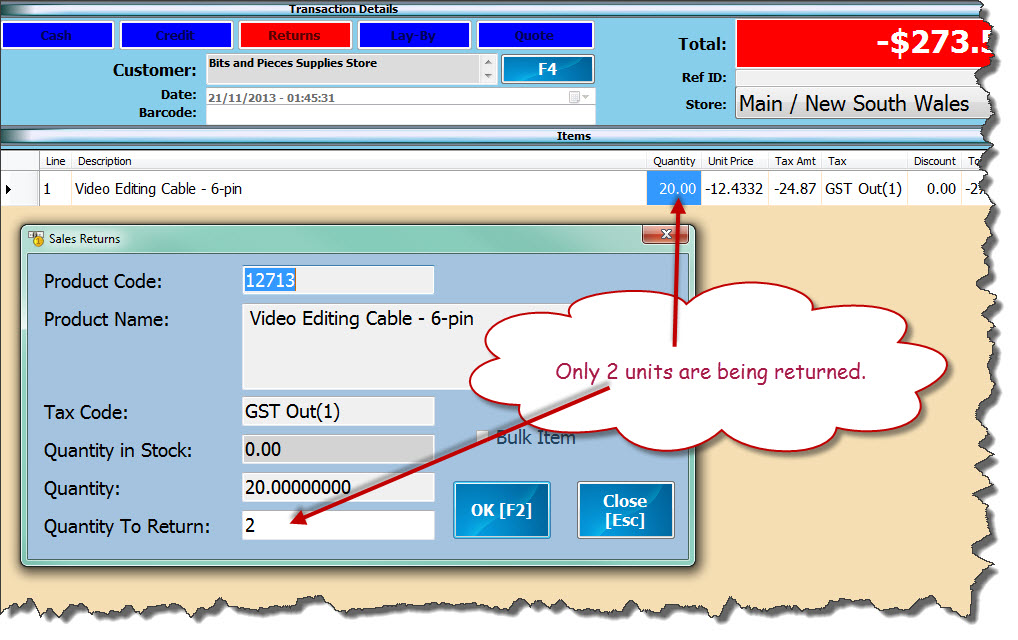
Select SAVE (F2)
Cash Sale Refund
When the original transaction was a cash sale transaction select the refund method
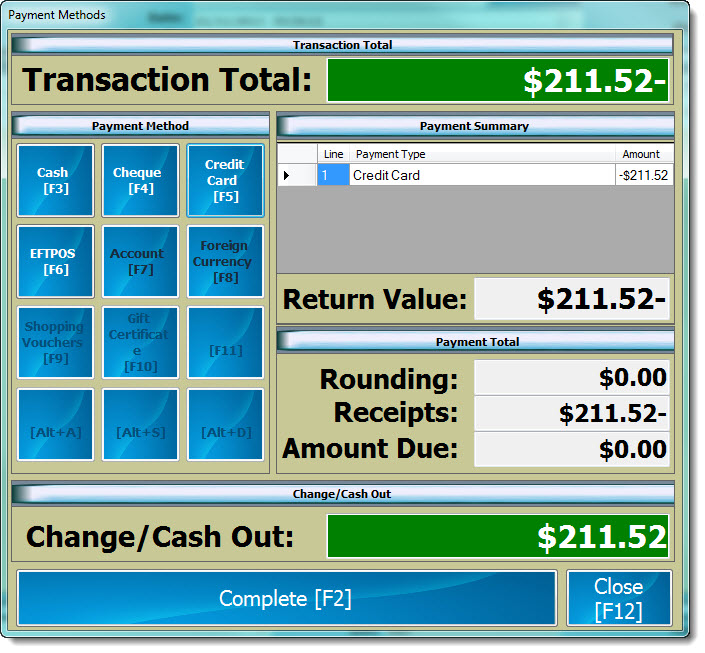
Select COMPLETE(F2) to complete the transaction
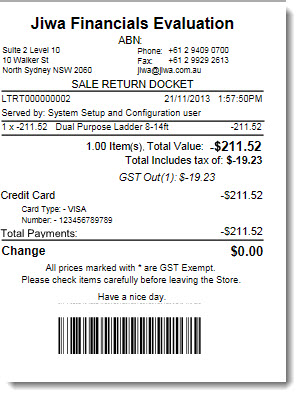
Sale Return Docket is printed
Account Sale Return
When the original transaction was an account sales select COMPLETE(F2) to complete the return
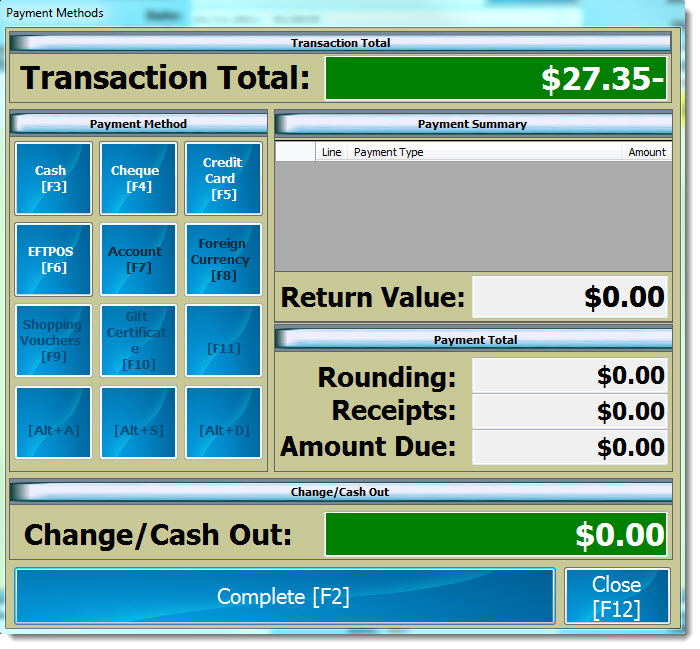
Sale Return Docket is printed