
Processing Layby Sales
Select the LAY-BY button

Select F4 to bring up the customer search screen
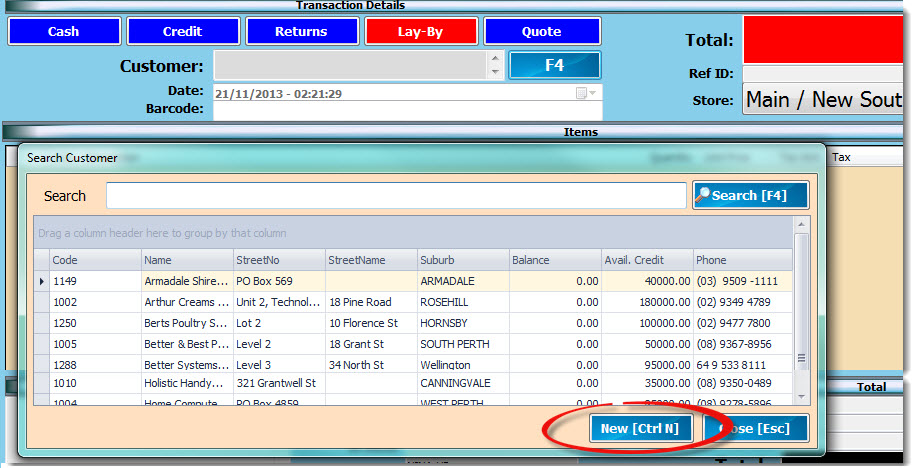
If this is a new customer select NEW (CtrlN) to create a new customer account
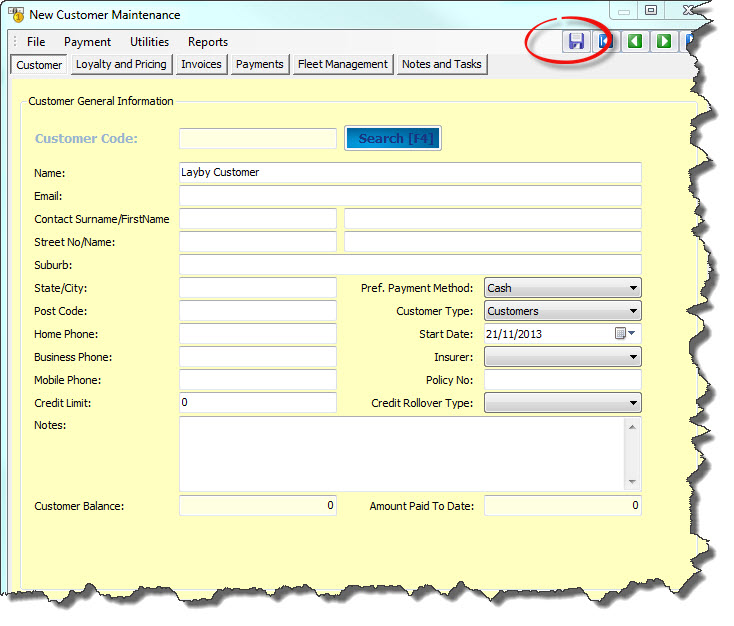
Enter in new customer details and press the save icon
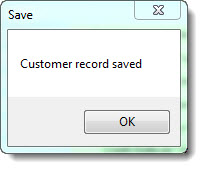
Customer code is automatically assigned on save
Enter in the items being purchased and select SAVE(F2)
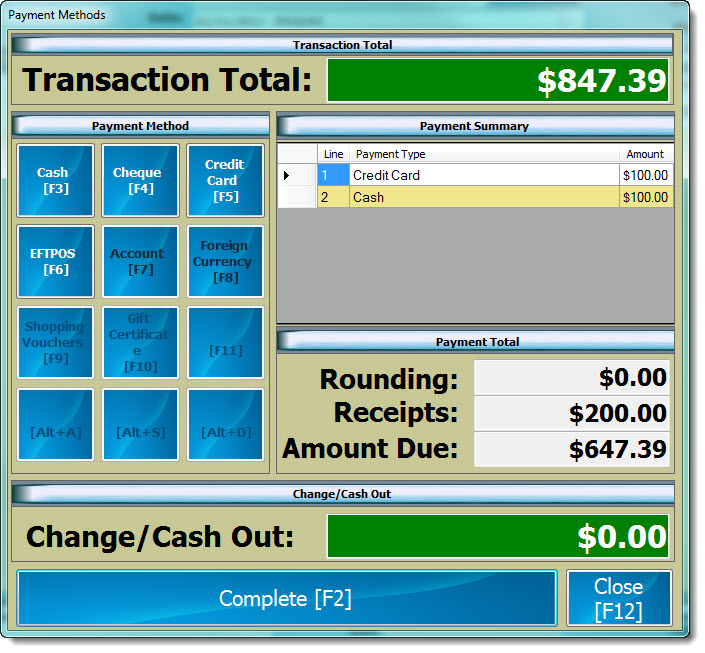
Record Layby deposit amount
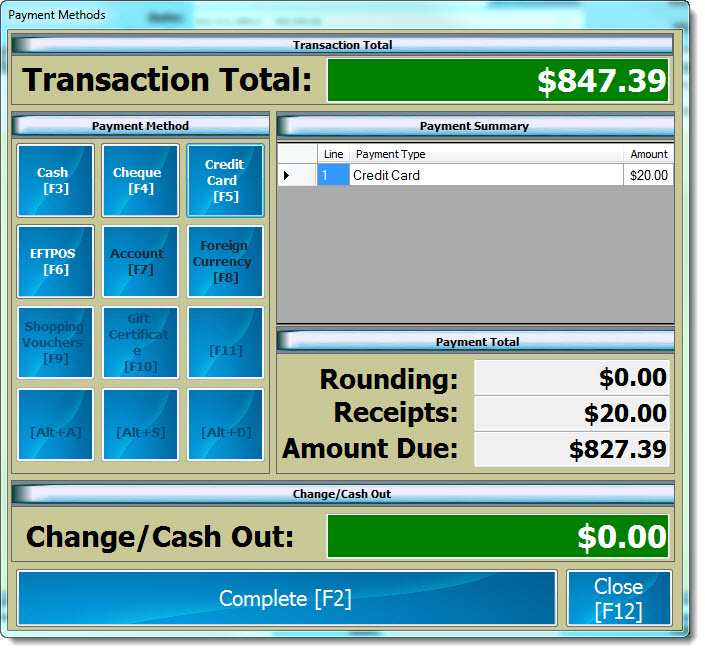
Press COMPLETE(F2)
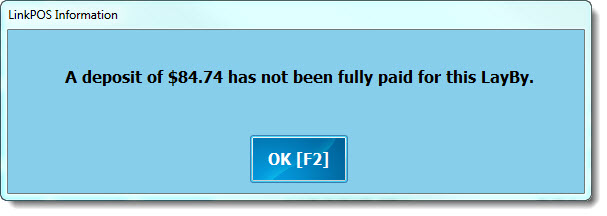
If the deposit value does not meet the minimum deposit amount the following error message will appear
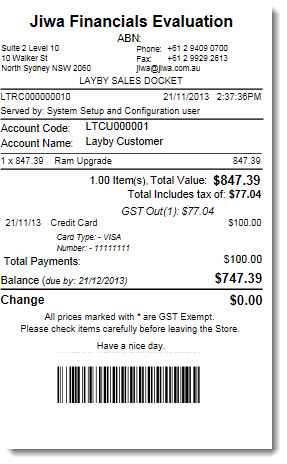
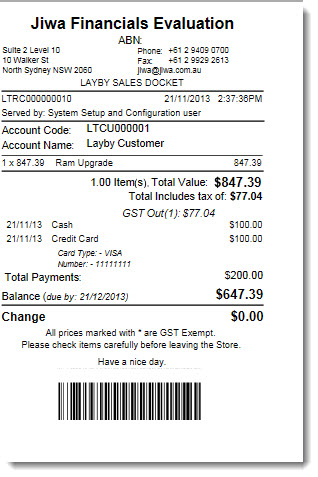
The Layby Sales Docket is printed
Processing Layby Payments
Select the LOAD(F3)

Change the transaction type to Layby
Un-tick Transaction status and User check boxes
Press Search to show all Layby's or filter by customer name so see a full listing of all Layby's for that customer
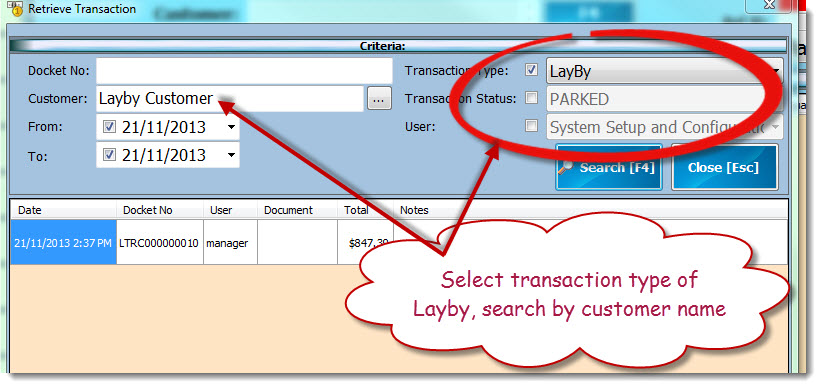
Select the Layby required
This will bring the Layby to screen, press SAVE(F2) to record payment.
The payment screen will show the payments made to date and the balance outstanding
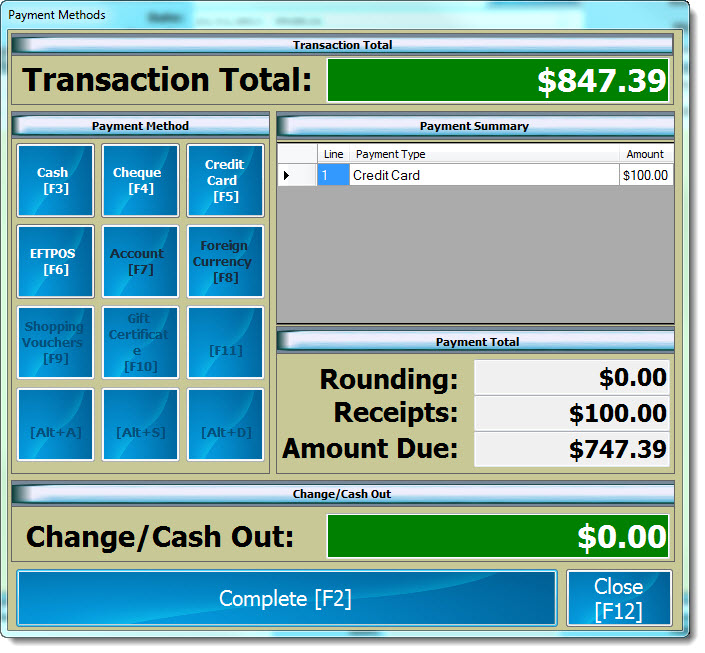
Enter in the Layby payment and select COMPLETE(F2)
Updated Layby Sales Docket is printed
Finalising a Layby
To finalise a payment follow the same process as recording a Layby payment