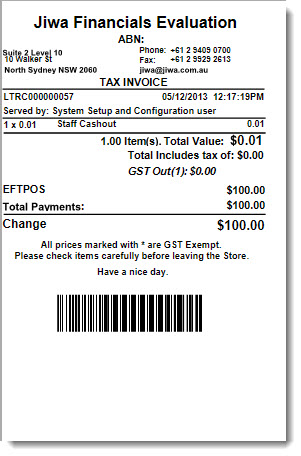
These instructions will look at how to process cash out through point of sale for;
-
Cash out with customer sale
-
Cash out for staff without sale
Customer Cash-out
At the payment screen select the EFTPOS payment method
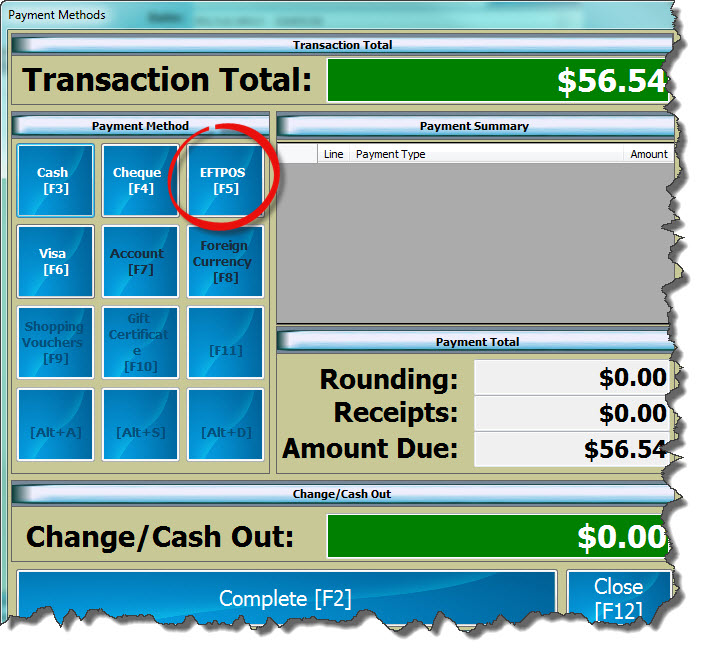
In the payment amount field enter in the sale value plus the cash-out amount requested by the customer then
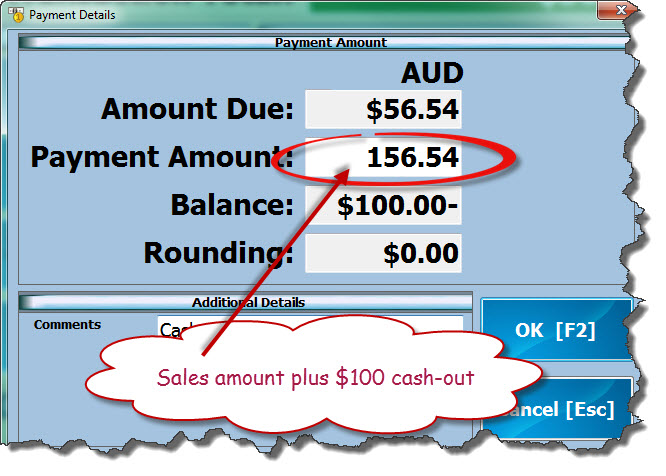
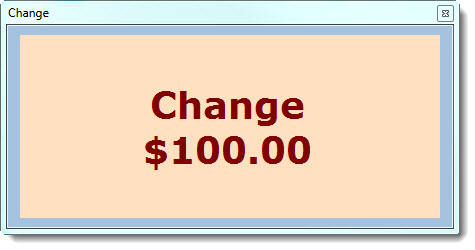
Press OK [F2]. Change / Cash Out amount will be displayed on the payment screen.
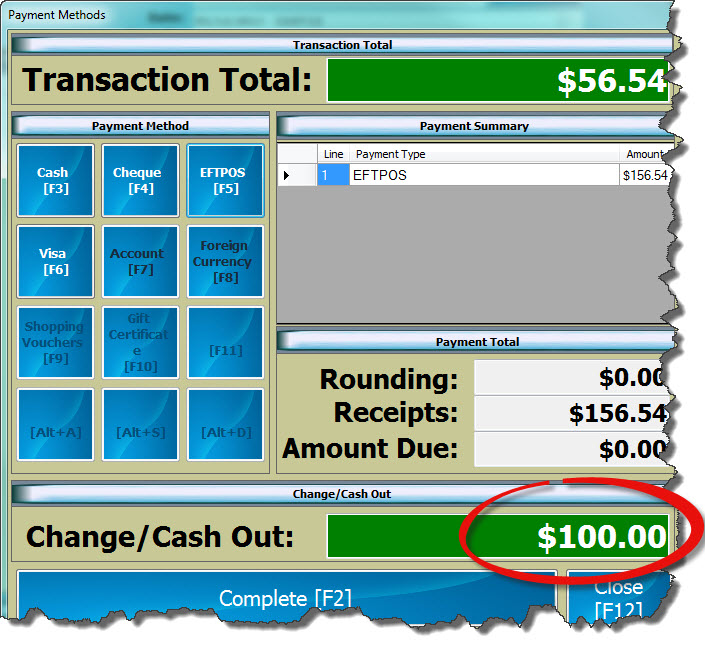
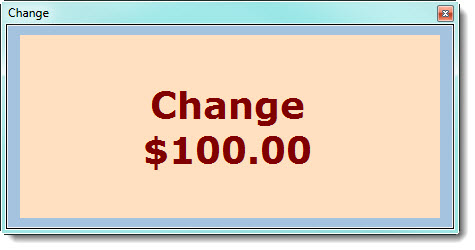
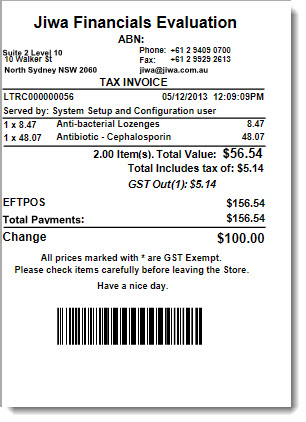
Press Completed [F2] to finalise the transaction
Staff Cash Out
Some retailers allow staff to take cash out of the till by processing an EFTPOS transaction on the staff members EFTPOS card in exchange for the cash.
LinkPOS does not allow payments to be processed without a sales however this can be overcome by using the following procedure.
Set-up item in Jiwa
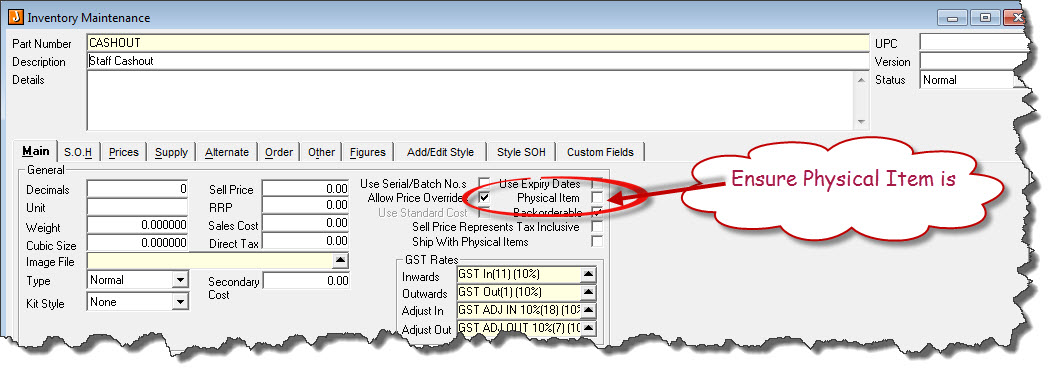
In Jiwa set-up a non-physical inventory item called STAFF CASHOUT will a sell price of 1 cent
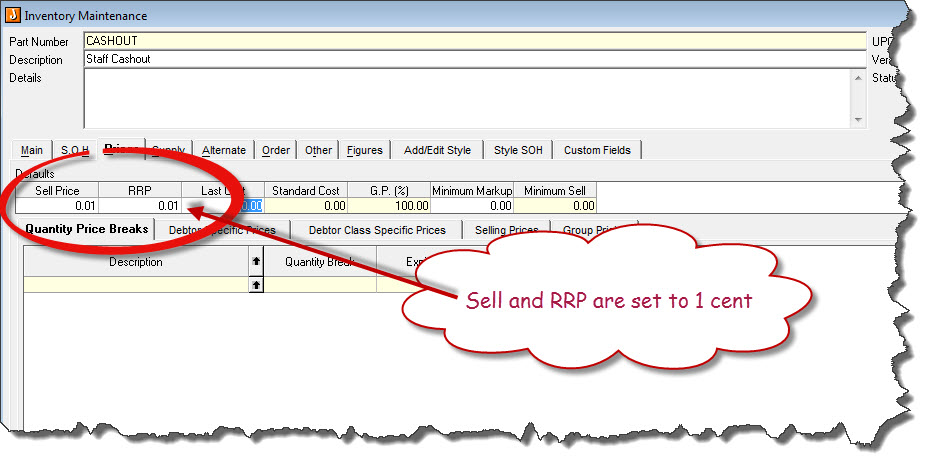
Processing Cash Out through POS
Process sales using stock item 'Staff Cashout'
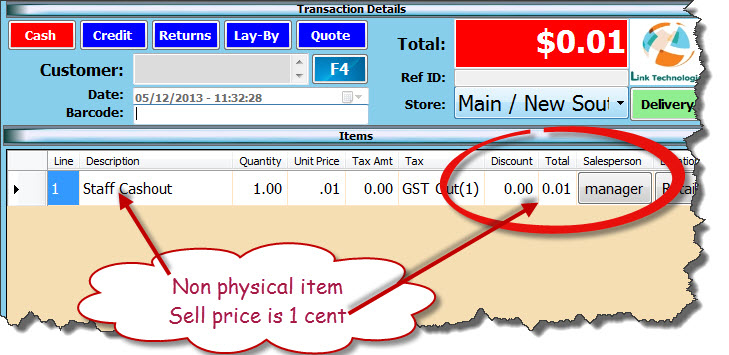
Save [F2] transaction. At the payment methods screen select payment method.
Enter in the cash out amount requested by the staff member.
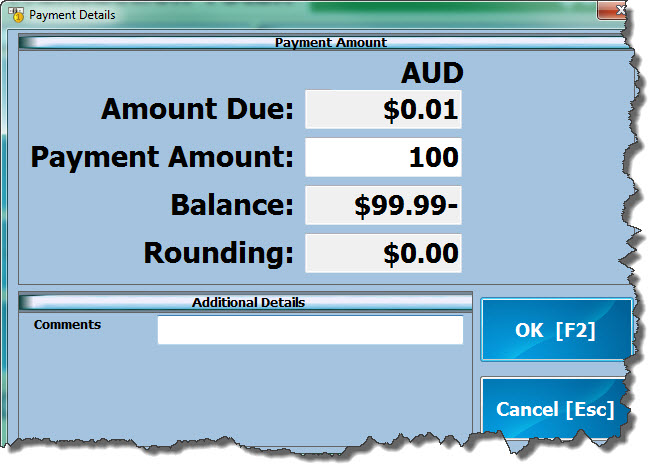
Select OK [F2], the 1 cent will go to rounding
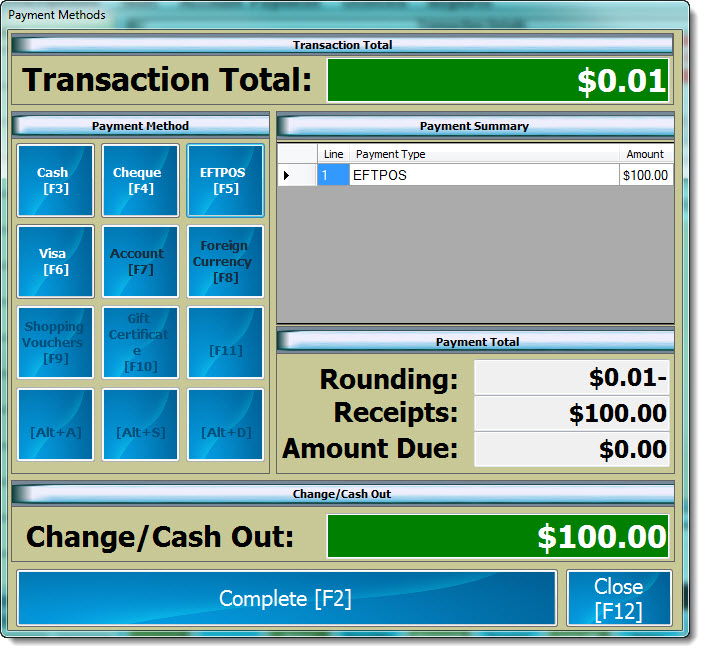
Complete [F2] the transaction, change popup will appear with the cash out amount