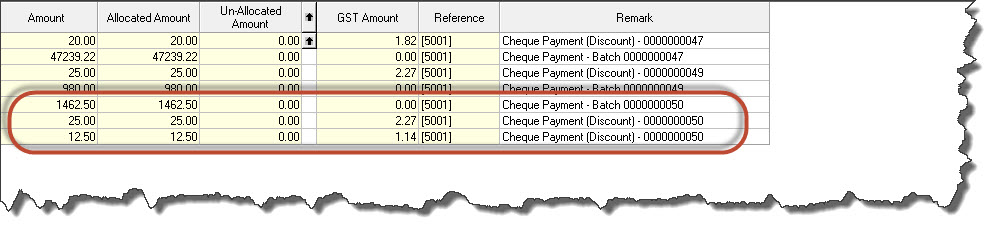
Creditor settlement discounts are determined based on the discount terms set against the creditor account in Jiwa.
Creditors Maintenance > Financials > General
Settlement discounts are applied during the payment process from the Creditor Cheque Payments screen
Jiwa > Creditors > Payments > Cheque Payments
Create a new batch by clicking on the new icon or selecting Record > New Payment Patch (F2)
Confirm the bank account you are using and check your ranges
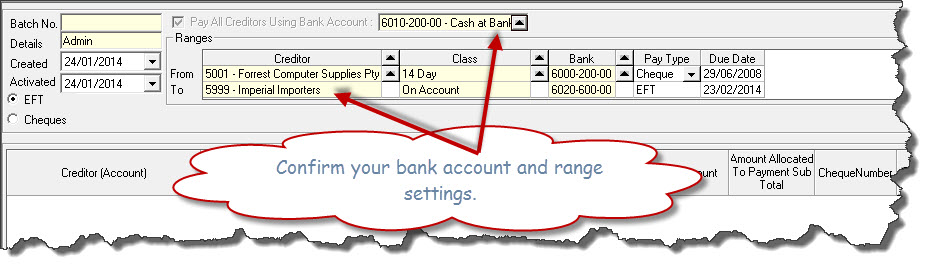
Once you have confirmed your ranges press the Select button at the bottom of the screen to populate the screen

As you will note discounts have not be calculated this is because the process has not been run.
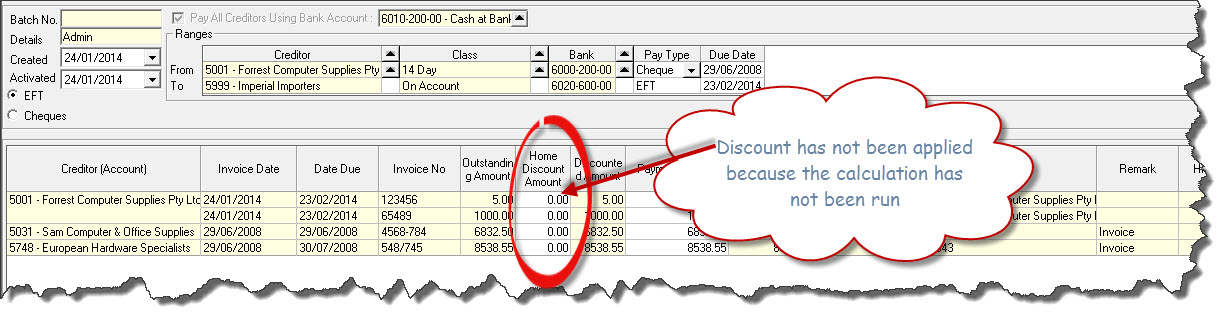
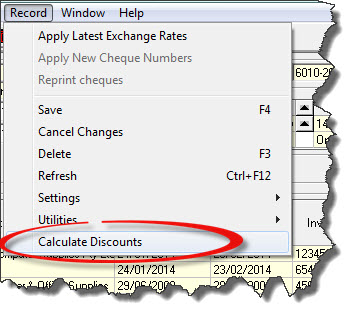
From the Record drop down menu select Calculate Discounts if this option is not available please check with your Jiwa Consultant
The discount is calculated and the discounted amount recalculated
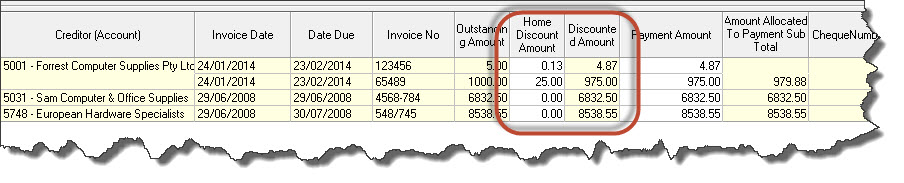
The discounted value can be amended by simply overriding the discount amount

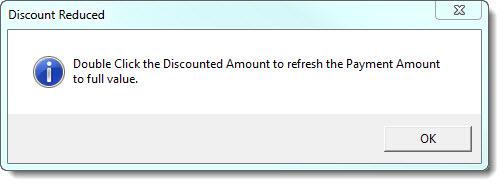
When you override the discount amount ensure that you Double Right Click on the Discounted Amount to refresh the payment value, as you will note in the example above the payment amount is still 4.87 even though the discount value has been reset to zero. The following popup will appear to remind you.

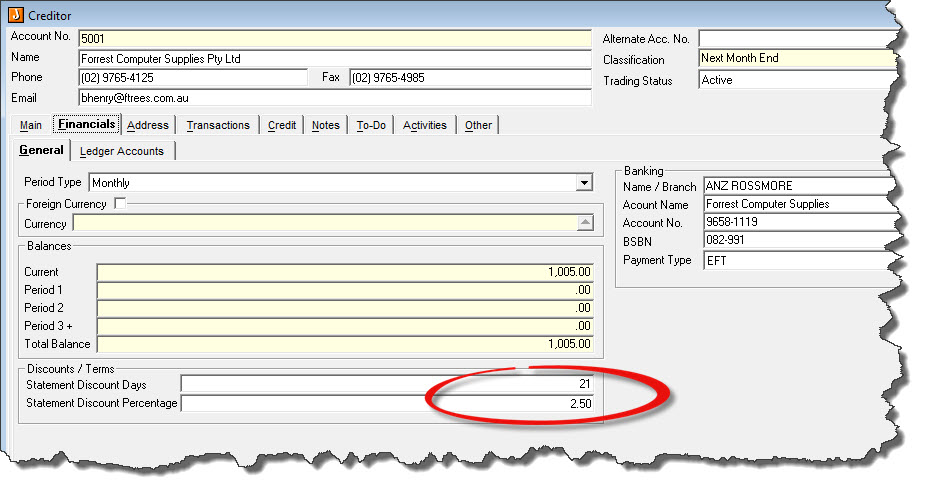
Finalise your payment batch as normal. Once you payment batch is activated Jiwa will create adjustment entries against the creditor for each discount applied.