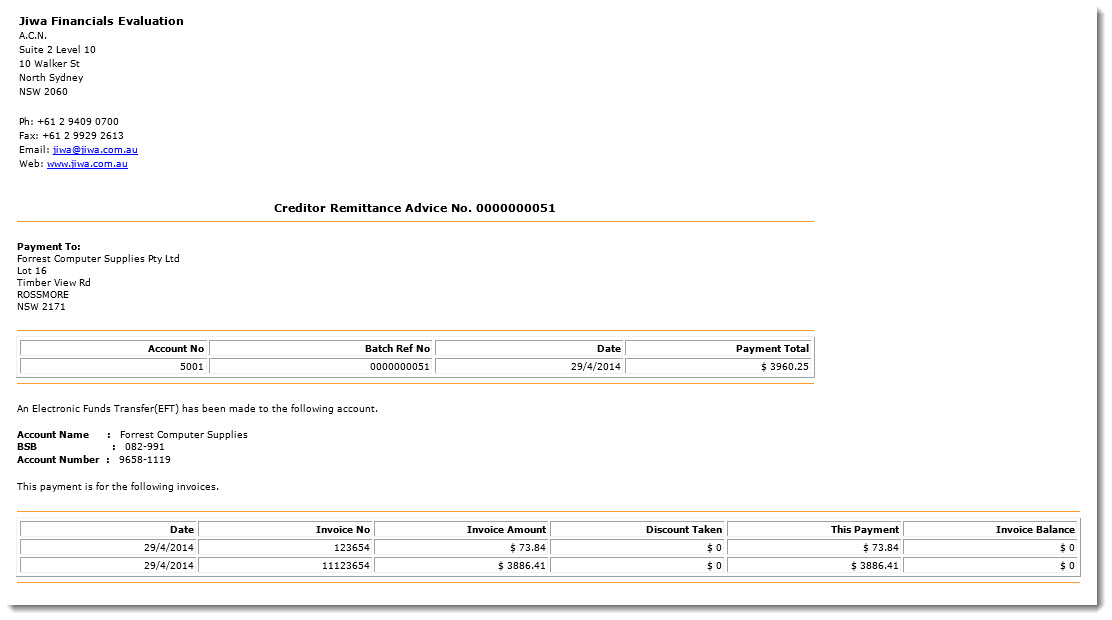
This article will take you through the process of creating an ABA file and then emailing remittances to your suppliers in Jiwa 6.
Create a new EFT payment batch
1. From the Jiwa menu select Creditors | Payments | Cheque Payments

2. Select the New icon to create a new Creditors Payment Batch
3. Enter in the ranges you want to use to filter out the creditors to be paid then click on the Select button
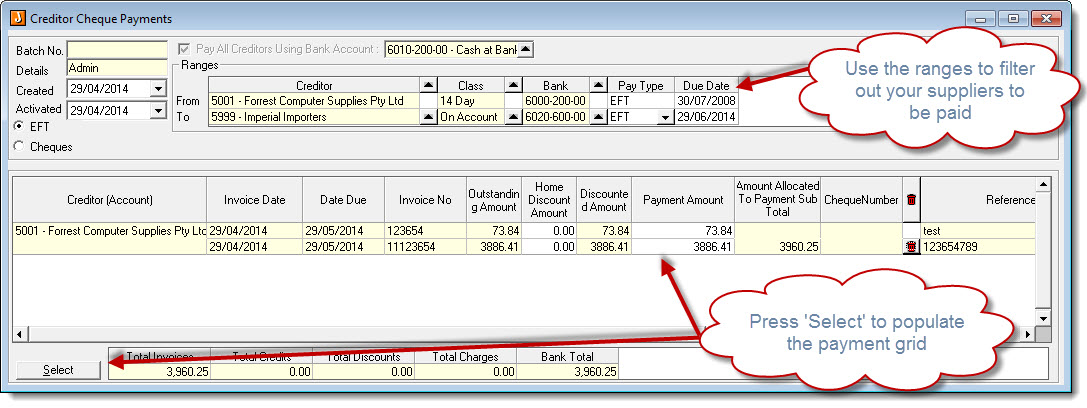
4. Make changes to the suppliers to be paid and payment amounts as required. Then Save your batch by selecting the save icon.
5. Activate your payment batch by selecting Record > Activate
Creating your ABA file
Once your payment batch has been activated you can create your ABA file
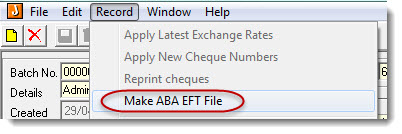
1. Select Record | Make ABA file
2. The following pop will appear advising you of where the ABA file has been saved to
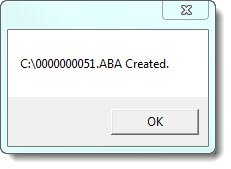
3. Upload your ABA file into your banking software
Emailing Creditor Remittances
Once you have uploaded and successfully processed your ABA file you can now email your creditor remittances.
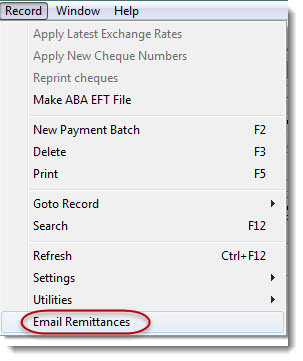
1. Select Record | Email Remittances
Jiwa will then proceed to email your creditor remittances
2. Once all remittances have been emailed the following message will appear
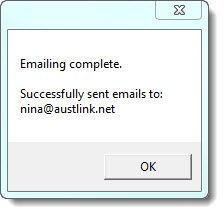
3. Select OK
Example of email remittance